Convert a contact to a customer
Create or link a customer in Sales and optionally a quote draft.
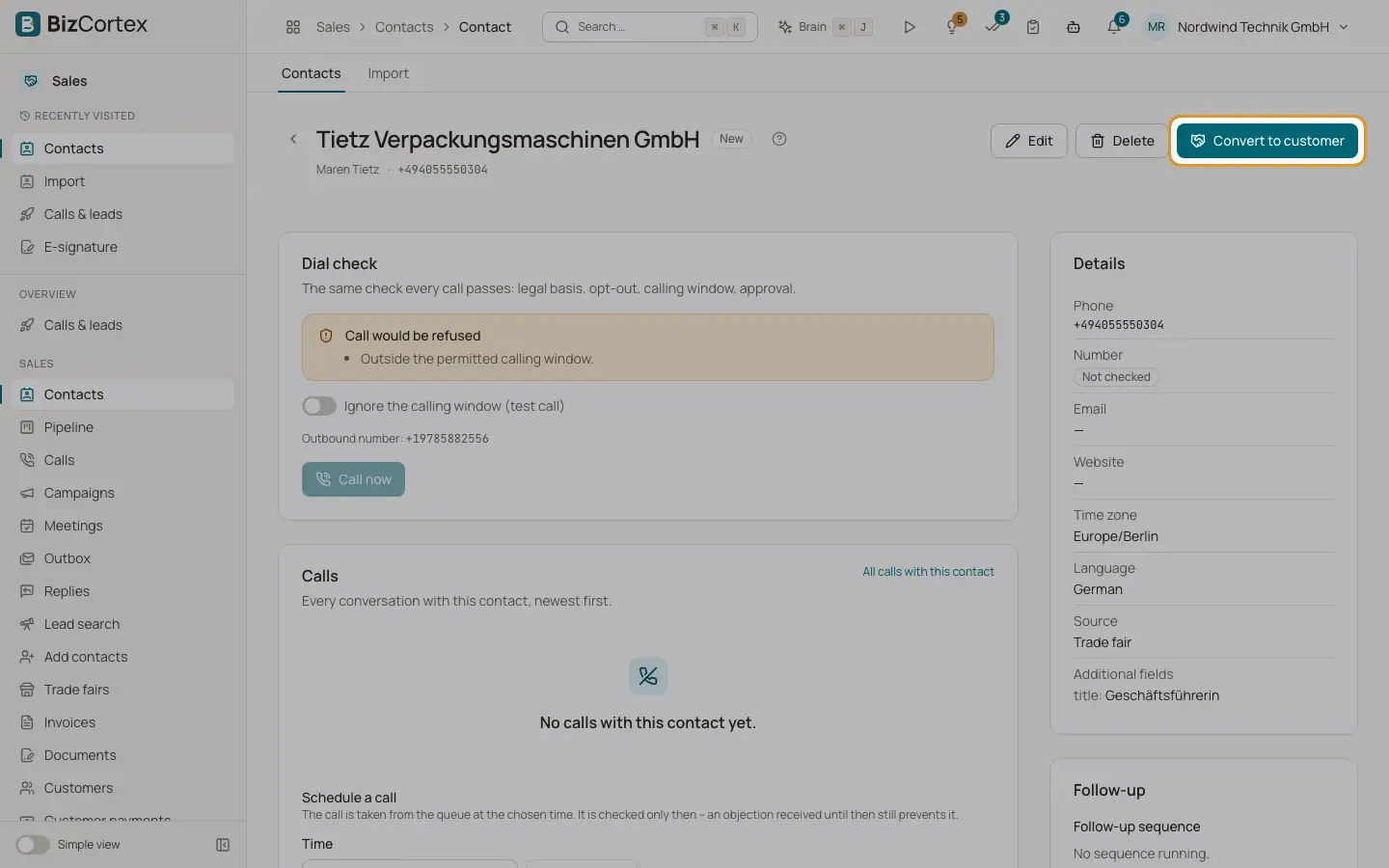
When a contact buys, turn it into a customer. On the contact page click "Convert to customer". BizCortex creates a customer in Sales or links an existing one, and can create a quote draft right away.
Who can use this
- Owner
- Administrator
- Sales
Steps
1. Choose the customer
Under "Existing customer (optional)" pick a customer, or leave it empty. Empty: a customer with the same email is linked, otherwise a new one is created.
2. Options
Tick "Create a quote draft" and "Set the stage to Won" as needed, and add a note.
3. Convert
Click "Convert". You see "Customer created" or "Linked to customer", and "Quote draft created" if you asked for one. Use "Open customer" and "Open quote" to continue in Sales.
Good to know
- After conversion the contact shows the badge "Customer" and the timeline shows a "Customer" entry.
Related
- The contact page
Everything about one contact: dial check, calls, pipeline, meetings, emails, research, timeline and legal basis.