Reps and booking calendars
The people who hold the meetings, their calendars, and the free or busy check.
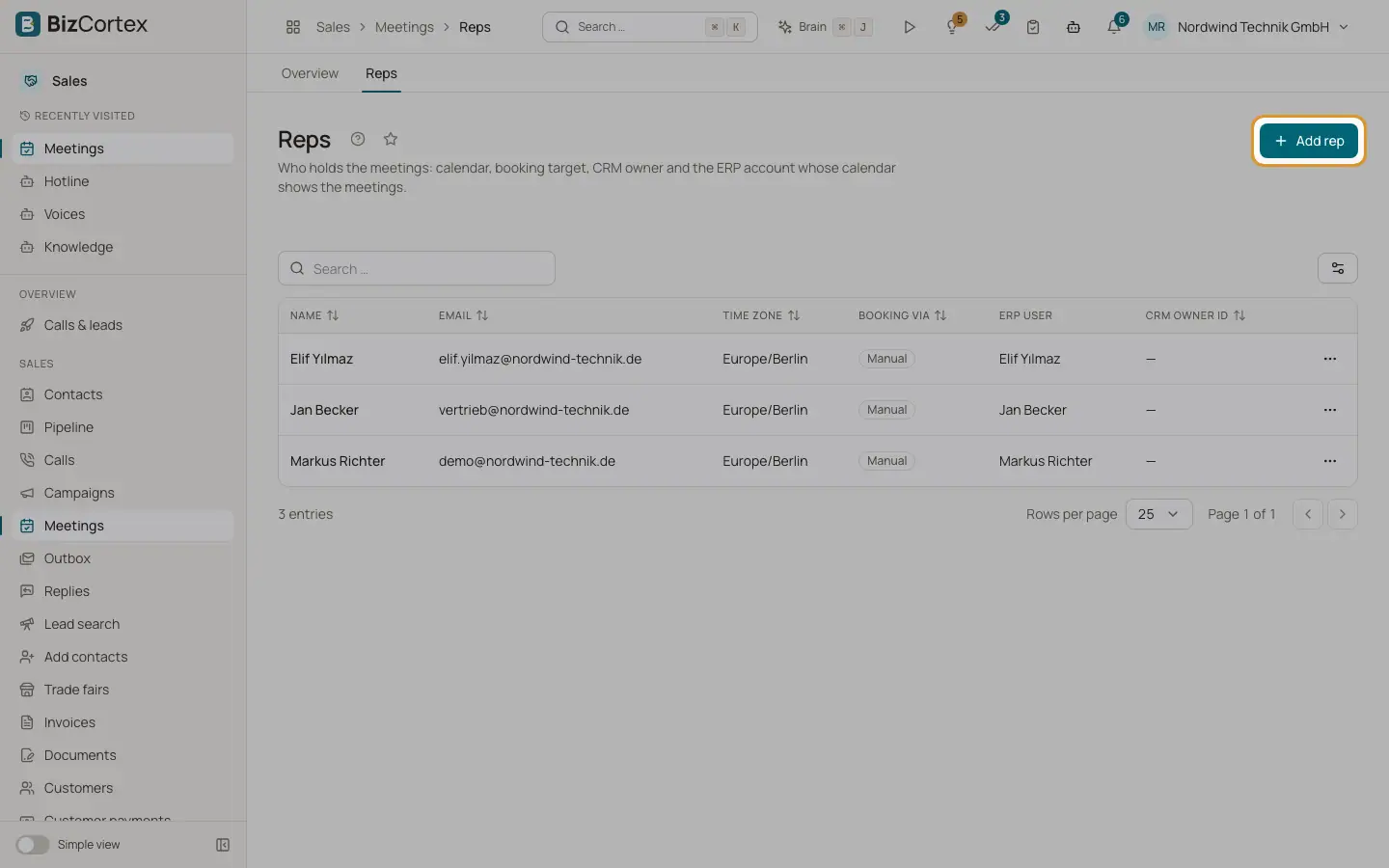
Open Meetings, "Reps" or "Calendar" (specialist pages). A rep holds the meetings the agent books. Each rep has a booking calendar, a CRM owner and optionally a BizCortex user whose Workspace calendar shows the meetings.
Who can use this
- Owner
- Administrator
- Sales
- Viewer
Steps
1. Add a rep
On Reps click "Add rep". Enter name, email, time zone, mobile number, "Booking via" (Cal.com, Calendly or Manual), booking target, Cal.com username, event type ID, CRM owner ID and the ERP user. Save.
2. Check availability
Open "Availability & calendar" on a rep. "What the agent would offer" shows the open times and how many were removed because of conflicts.
3. Map CRM owners
Under "CRM owners" link each CRM user to a rep so deals and meetings land with the right owner.
4. Check calendars
On Calendar see which booking calendars are ready, which free or busy sources (Google Calendar, Microsoft 365) are connected, and the event types of the account. Calendars are connected under Integrations.
Good to know
- Reps with meetings cannot be deleted.
- Times busy in a connected free or busy calendar are never offered.
Related
- Integrations: connect apps
Calendars, CRM, ticketing, your own data, notifications and connectors the agent uses.