Voice studio: call flow
View the call flow as a diagram and design your own steps, questions and branches.
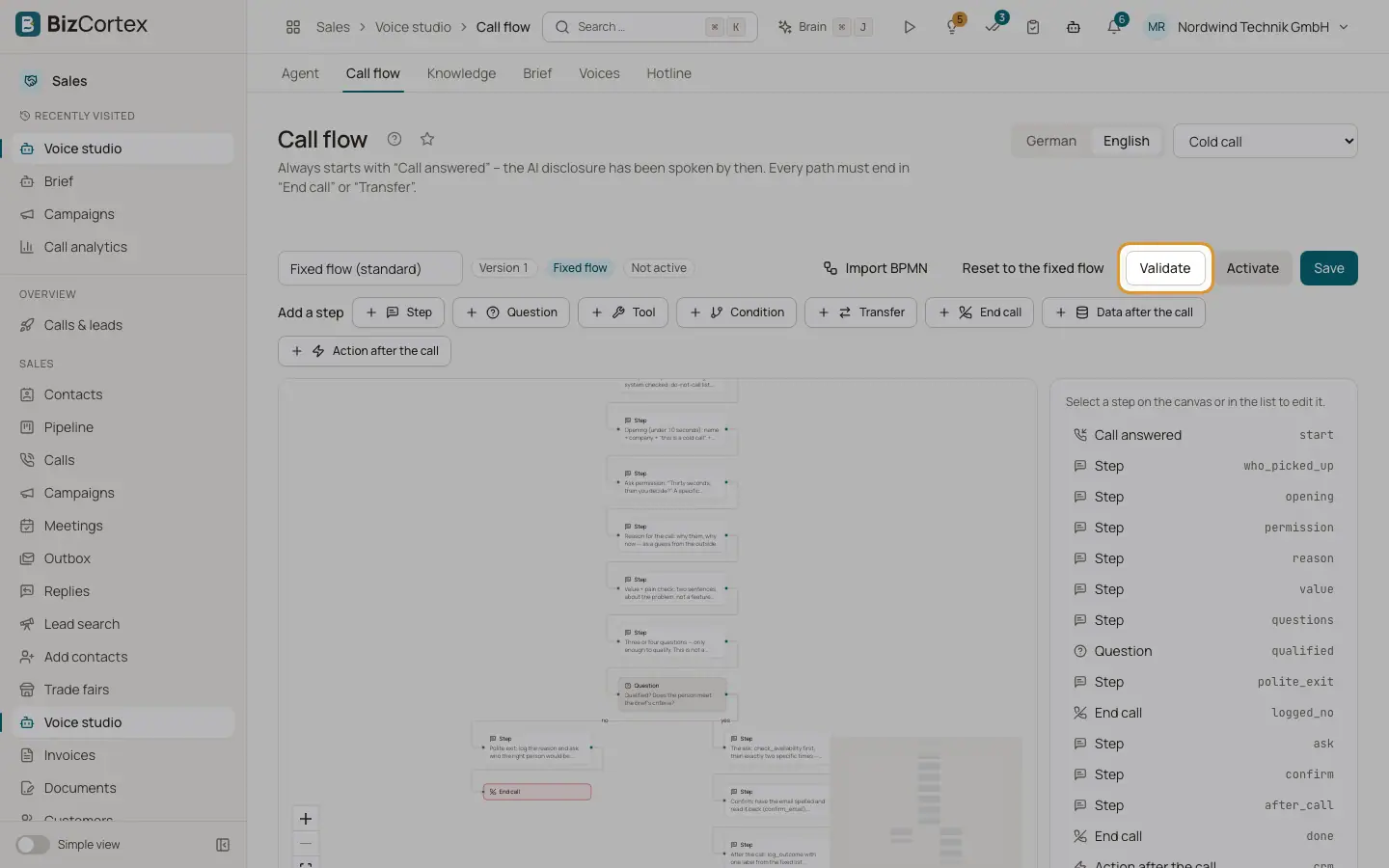
Open Voice studio, "Call flow". A flow always starts with "Call answered"; the AI disclosure has been spoken by then. Every path must end in "End call" or "Transfer". The cold call has a "Fixed flow" from our model; an approved brief fills in its words. Drawing your own flow is the advanced path.
Who can use this
- Owner
- Administrator
- Sales (read only)
Steps
1. Choose language and purpose
Pick the language and the purpose, for example Cold call, Deal check in, Decision, Renewal, Follow up call, Hotline, Callback on enquiry, Trade fair contact, Reactivation or Rebook a meeting.
2. Add steps
Under "Add a step" choose Step, Question, Tool, Condition, Transfer, End call, Data after the call or Action after the call. Select a step to edit its properties on the right.
3. Connect steps
In "Connections" pick "Connect to …" and click "Connect". Give each connection a label, for example true, false, ok or error.
4. Validate and activate
Click "Validate". When the flow is fine, save and click "Activate". The agent follows it from the next call. "Deactivate" returns to the standard flow.
5. Import BPMN
Click "Import BPMN" and upload a BPMN 2.0 model (.bpmn or .xml). Then "Load onto the canvas" or "Save as the flow" (not active).
6. Reset
Click "Reset to the fixed flow" to replace the drawing with the fixed flow. Only the cold call flow has a fixed model.
Fields and options
- Question
Key (lowercase letters, digits and underscores), question, answer type (Yes or no, Choice, Free text) and options. "Use an existing question" copies a qualifying question.
- Condition
For example: interest == yes and size in [small, medium].
- Data after the call
Fields to extract with key, description and type (Text, Yes or no, Number).
- Action after the call
Webhook (emits the event flow.step name), CRM sync (documents the sync that runs anyway) or MCP tool.
Related
- Voice studio: agent settings
Custom brief text, tools and MCP servers, speech, call and transcription settings.