Opt outs and the do not call list
Numbers and addresses that must never be contacted again, and how they get there.
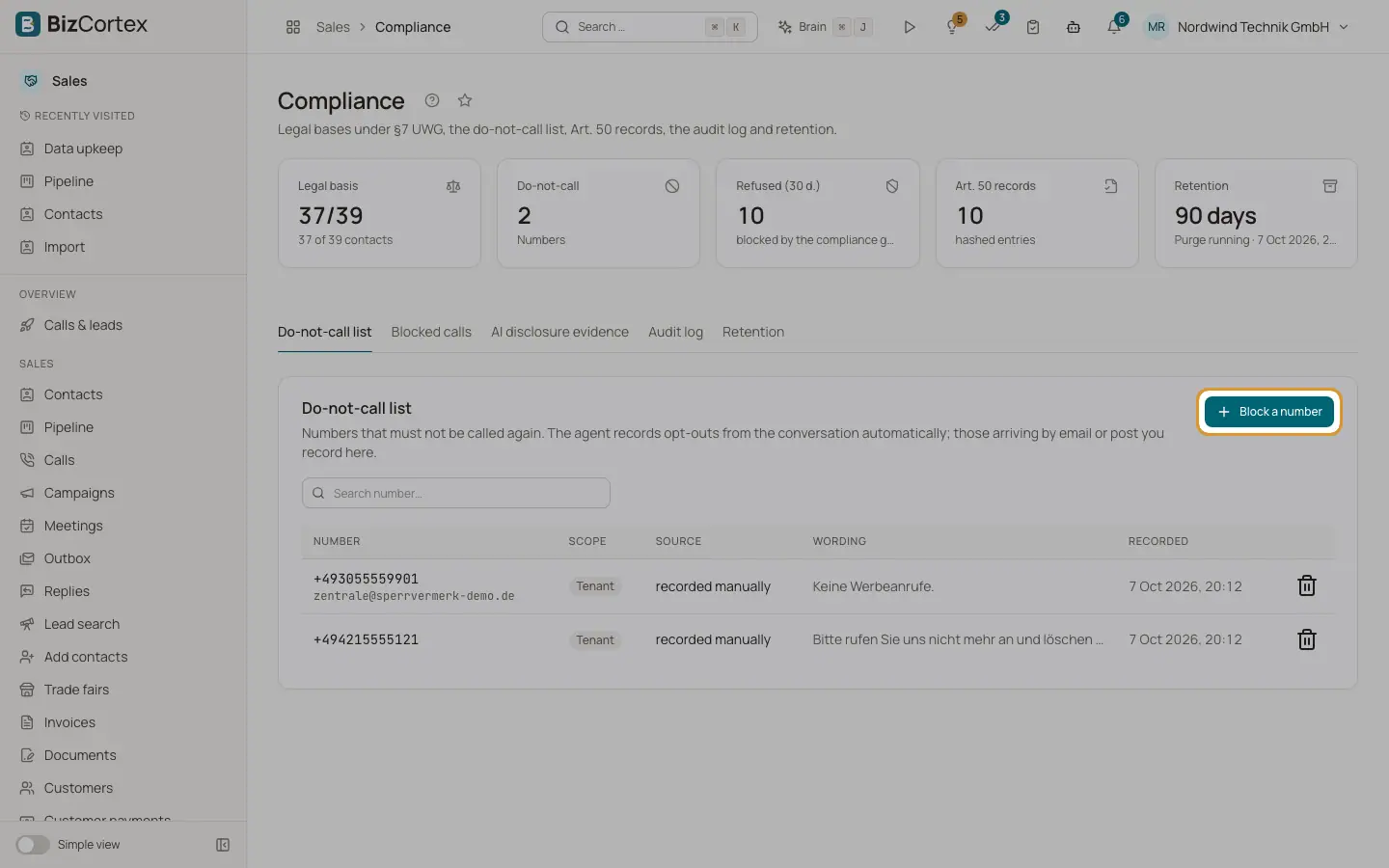
If someone says "do not call again" on a call, the agent records the opt out automatically and the number lands on the list. Opt outs also arrive by SMS STOP, by an unsubscribe link in an email, by a spam complaint or by a reply asking to stop. An opt out blocks calls, SMS and emails, and the contact moves to the stage Opted out.
Who can use this
- Owner
- Administrator
- Compliance (audit only)
- Sales (block only)
Steps
1. Block a number by hand
In the compliance centre, tab "Do not call list", click "Block a number". Use this for opt outs that arrived by email or post. Enter the phone number and/or email, where it was received, the wording of the objection and a note. Click "Block".
2. Search
Use "Search number…" to find an entry.
3. Lift a block
Click "Lift block", enter a reason of at least 5 characters and confirm. The number becomes callable again and the reason is recorded in the audit log.
Fields and options
- Scope
"Tenant" applies to your company. "global" applies to all companies on the platform; a tenant cannot lift a global block.
- Source
stated on the call, recorded manually, by email, by SMS, carrier SMS STOP, spam complaint.
Good to know
- Lifting a block needs the CRM opt out admin permission (Owner, Administrator, Compliance). Sales can add blocks but not lift them.
- Deleting a contact keeps its opt outs.
Related
- Compliance centre
Evidence for compliant phone sales: legal bases, blocked calls, AI disclosure records, audit log and retention.