Live and scheduled calls
Follow calls in real time and manage calls planned for a fixed time.
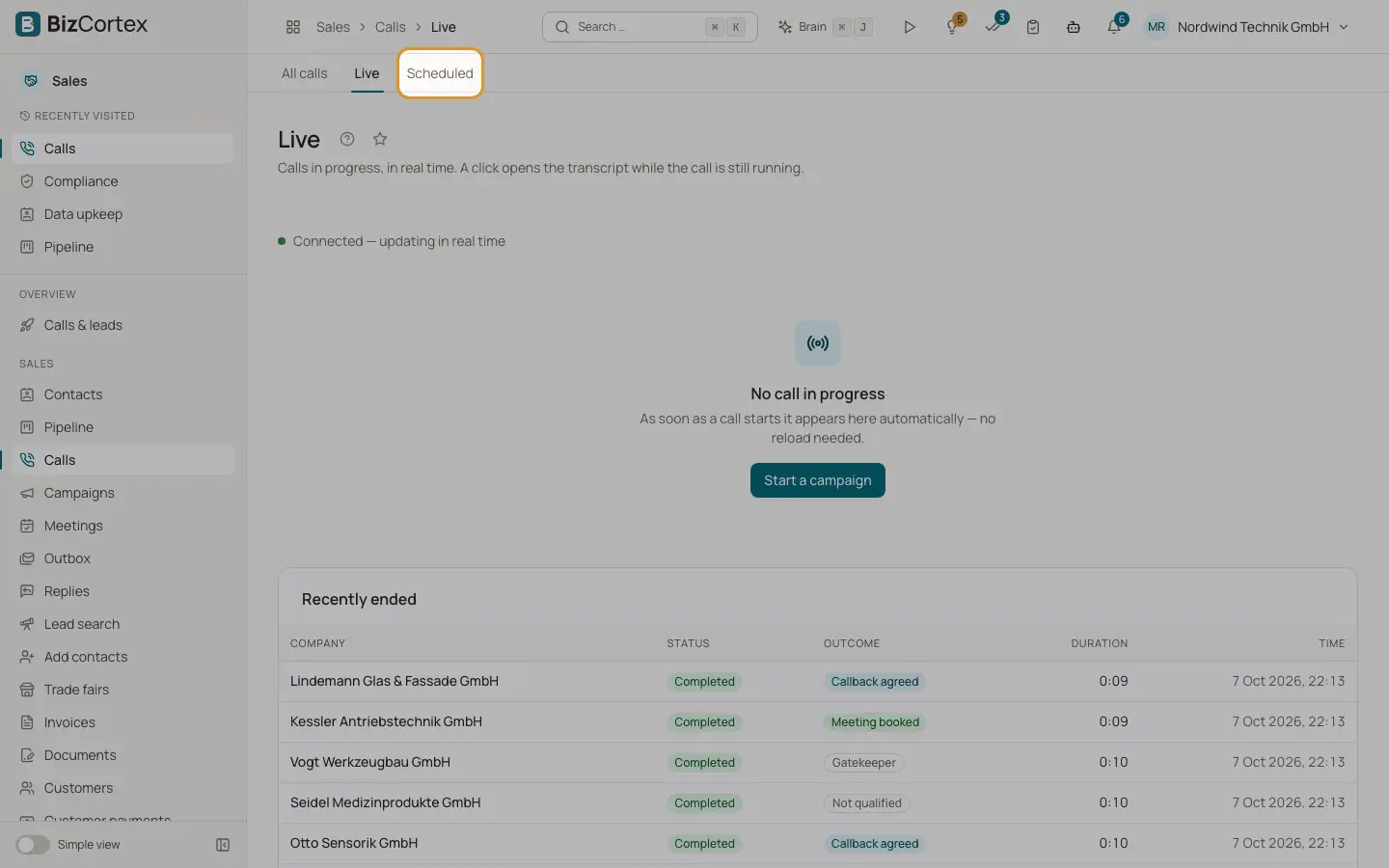
Under "Calls" in the sidebar, "Live" shows calls in progress and "Scheduled" shows calls taken from the queue at a set time.
Who can use this
- Owner
- Administrator
- Sales
- Compliance (audit only)
- Viewer
Steps
1. Watch live calls
Open Calls, Live. A new call appears automatically, no reload needed. Click "View transcript" to read along while it runs. Recently ended calls are listed below. If no call runs, use "Start a campaign".
2. Cancel a scheduled call
Open Calls, Scheduled. Each row shows time, contact and purpose. Click "Cancel" and confirm. The call is not placed; the entry is kept as evidence.
Fields and options
- Purposes
Cold call, Follow up, Callback to an enquiry, Trade fair contact, Reactivation, Rebooking, Hotline, Check in, Decision, Renewal.
Related
- Calls
Every conversation of the AI agent with status, outcome, score and duration.