Call analytics and insights
Reach, meeting rate, quality, cost and the patterns learned from the conversations.
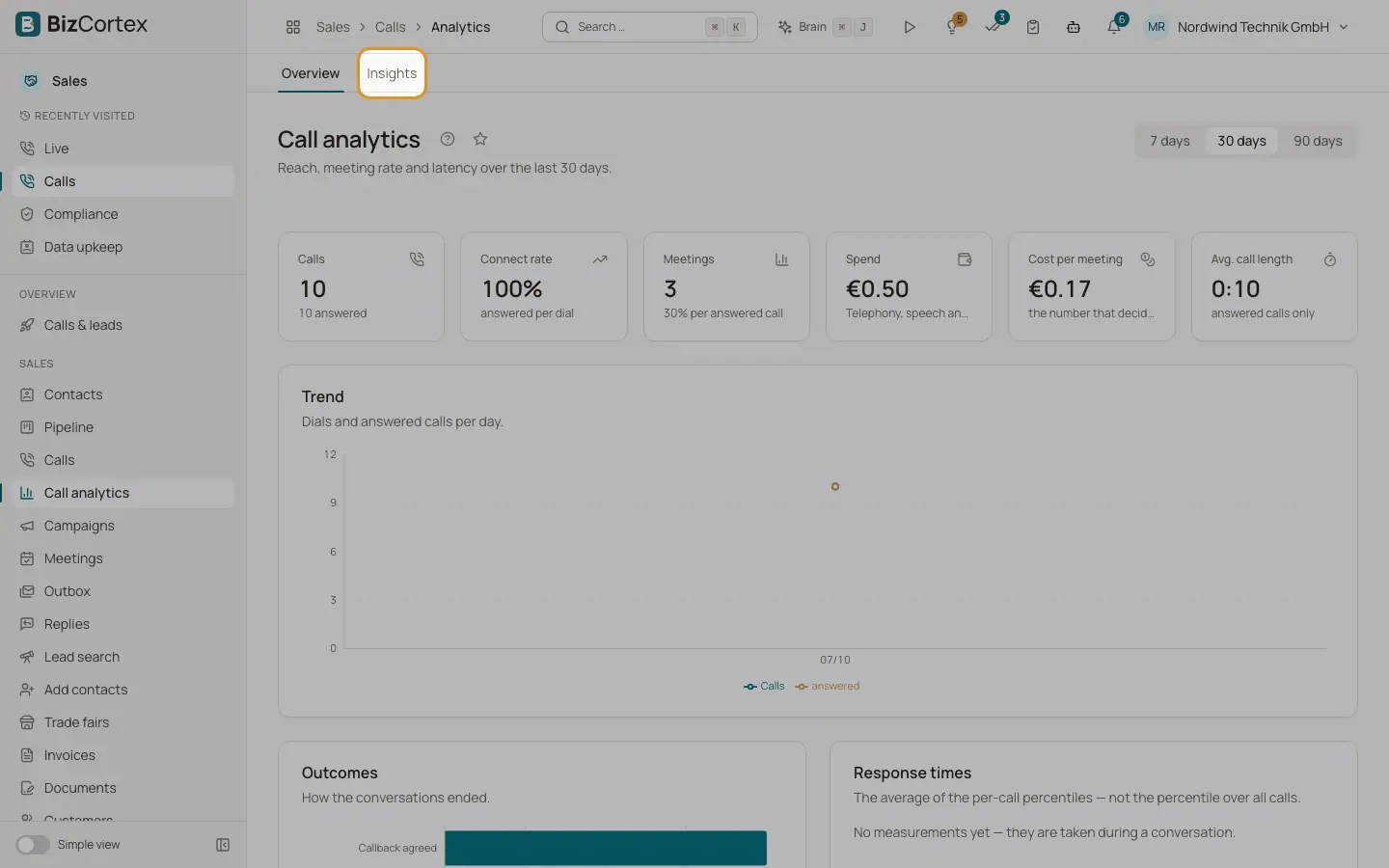
Open the Sales app and click "Call analytics" (specialist page). It has two pages: "Overview" and "Insights".
Who can use this
- Owner
- Administrator
- Sales
- Compliance (audit only)
- Viewer
Steps
1. Choose a period
On Overview choose 7, 30 or 90 days. On Insights choose 30, 90 or 180 days.
2. Analyse earlier calls
On Insights, click "Analyse earlier calls" to queue older conversations for analysis. This needs the calls graph admin permission (Owner, Administrator).
Fields and options
- Overview numbers
Calls, Connect rate, Meetings, Average call length, Spend and Cost per meeting.
- Trend and outcomes
Dials and answered calls per day, and how conversations ended.
- Response times
The average of the per call percentiles.
- A/B variants
Meeting rate per variant against answered calls, and talk share.
- Call quality and technique
Average score, weakest dimension, agent talk share (target 55%), longest block (target 37 seconds) and blocks over 5 seconds.
- Meetings
Booked, attended, no show, show up rate with and without reminder, rescued meetings, briefs sent, CRM notes and tasks, meetings with the notetaker and minutes transcribed.
- Research effort
Briefs, searches, model calls and opt outs.
- Insights
Vendors in place, objections by outcome, signals by meeting rate, industries and the most connected contacts. Patterns show from five analysed conversations on.
Related
- Campaigns
Group contacts and spread the calls over the permitted calling window.