Account ledger
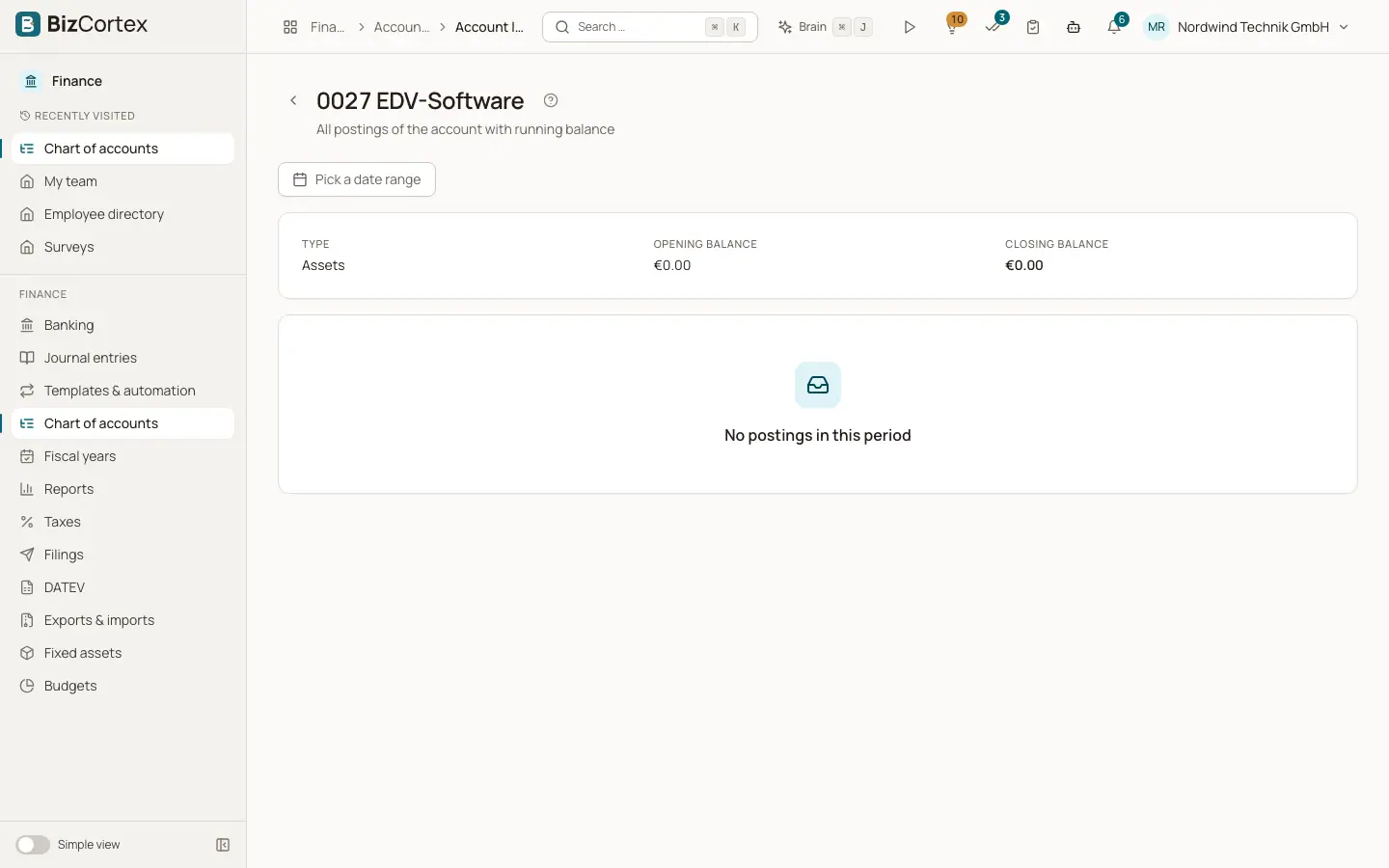
All postings of one account in a period, with opening balance, running balance and closing balance.
The account ledger (in German Kontoblatt) opens when you click an account in the chart of accounts or an account link in a report. It lists every journal line on the account, oldest first, with a running balance.
Who can use this
- Owner
- Admin
- Accountant
- Viewer
Steps
1. Choose a period
Use the date range picker at the top. Presets are This month, Last month, This quarter, This year and Last year. Clear the range to see all postings.
2. Read the summary
The card at the top shows the account type, the opening balance at the start of the period and the closing balance at the end.
3. Open a posting
Click any line to open the complete journal entry with all its lines.
Fields and options
- Date, Entry no., Description, Document no.
Data of the journal entry the line belongs to.
- Debit and Credit
The amount of the line on its side.
- Balance
The running balance after this line, in the natural sign of the account type.
- Total
The footer sums debit and credit for the period and shows the closing balance.
Tips
- When you open the ledger from a report, the period of the report is taken over automatically.
Related
- Chart of accounts
View, search, add, edit and archive the general ledger accounts of your company.
- Journal entries
The journal of all posted entries, and the detail view of a single entry.