SEPA direct debit mandates
Record the mandates your customers signed so you can collect payments by direct debit.
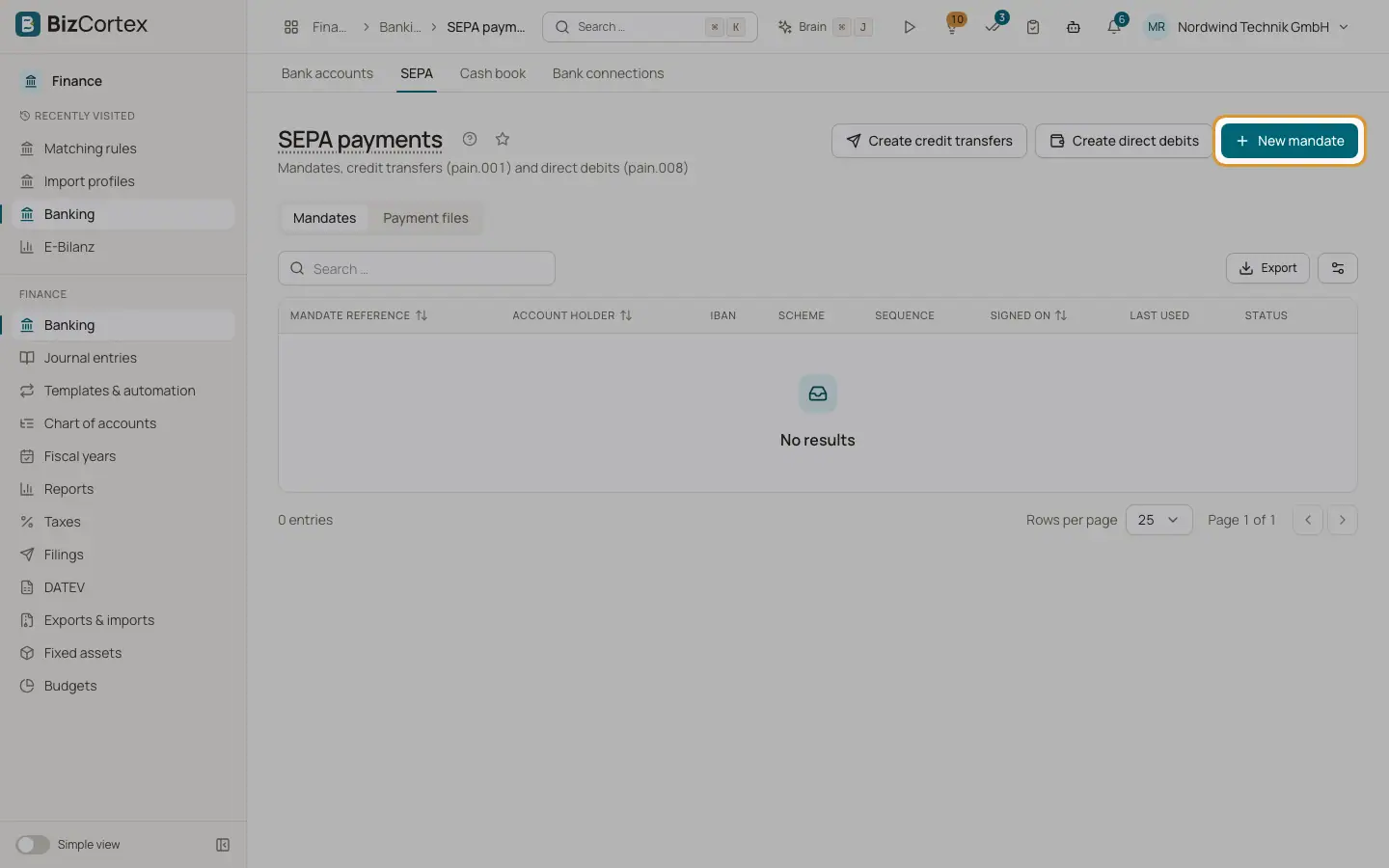
A SEPA mandate is the written permission of a customer to collect money from their account. Open Banking, then "SEPA". The page has two tabs: "Mandates" and "Payment files". The Mandates tab lists every mandate with reference, account holder, IBAN, scheme, sequence, signing date, last use and status.
Who can use this
- Owner
- Admin
- Accountant
- Anyone with the Banking mandate write permission (to create or edit)
Steps
1. Create a mandate
Click "New mandate". Enter the mandate reference and the date it was signed. Choose the scheme and the sequence. Enter the account holder, IBAN and optionally the BIC. Optionally choose the customer.
2. Check the IBAN
Use "Check IBAN" to verify the IBAN. The result shows "IBAN valid" (with the German bank code when available) or the reason it is invalid.
3. Edit a mandate
Choose "Edit" in the row menu. Reference, signing date and scheme cannot be changed after creation; the sequence, account holder, IBAN and BIC can.
4. Revoke a mandate
Choose "Revoke" in the row menu of an active mandate. Revoked mandates cannot be used for new collections.
Fields and options
- Mandate reference
Required, up to 35 characters. Allowed are letters, digits, spaces and + ? / : ( ) . , and apostrophe. Must be unique.
- Signed on
The signing date. A mandate cannot be used for a collection date before this date.
- Scheme
"Core (CORE)" for consumers and businesses, or "Business (B2B)" for business customers only.
- Sequence
FRST (first), RCUR (recurring), OOFF (one off) or FNAL (final). After the first collection, a FRST mandate switches to RCUR automatically. After an OOFF or FNAL collection, the mandate becomes "Used up".
- Account holder
Name of the debtor, required, up to 140 characters.
- Status
"Active", "Revoked" or "Used up".
Good to know
- A mandate that was already used cannot be deleted. Revoke it instead.
Related
- Creating SEPA direct debits (pain.008)
Collect customer invoices by direct debit using your mandates.
- Payment files: download or send to the bank
Download the SEPA XML or send it to the bank directly with a FinTS TAN.