Intercompany postings
Record a booking between two of your companies; it is mirrored automatically in both sets of books.
Open Finance, Intercompany. If you are a member of more than one company in BizCortex, you can post a transaction between them in one step, for example a cost that one company pays for the other. BizCortex posts an entry in this company and a mirrored entry in the other company. Each side is balanced automatically against the intercompany clearing account (receivables from or payables to affiliated companies).
Who can use this
- Owner
- Admin
- Accountant (with posting rights in both companies)
Steps
1. Choose the counterparty
Choose the other company under Counterparty. Then enter the Posting date, the Posting text and an optional Document no.
2. Enter this side
Under "This company" enter the lines for your current company, for example an expense on the debit side. Do not enter the clearing account; BizCortex adds it.
3. Enter the other side
Under the counterparty heading enter the lines for the other company, using its chart of accounts.
4. Check the mirror
The status shows "Mirrored: clearing" with the amount when the two sides match, or "Not mirrored" with both amounts when they do not.
5. Post
Click "Post in both companies". Both entries are posted together and appear in the list "Intercompany postings" of both companies.
Fields and options
- Role
Origin in the company that created the posting, Mirror in the other company.
- Amount
The clearing amount.
Good to know
- You need the right to post journal entries in both companies.
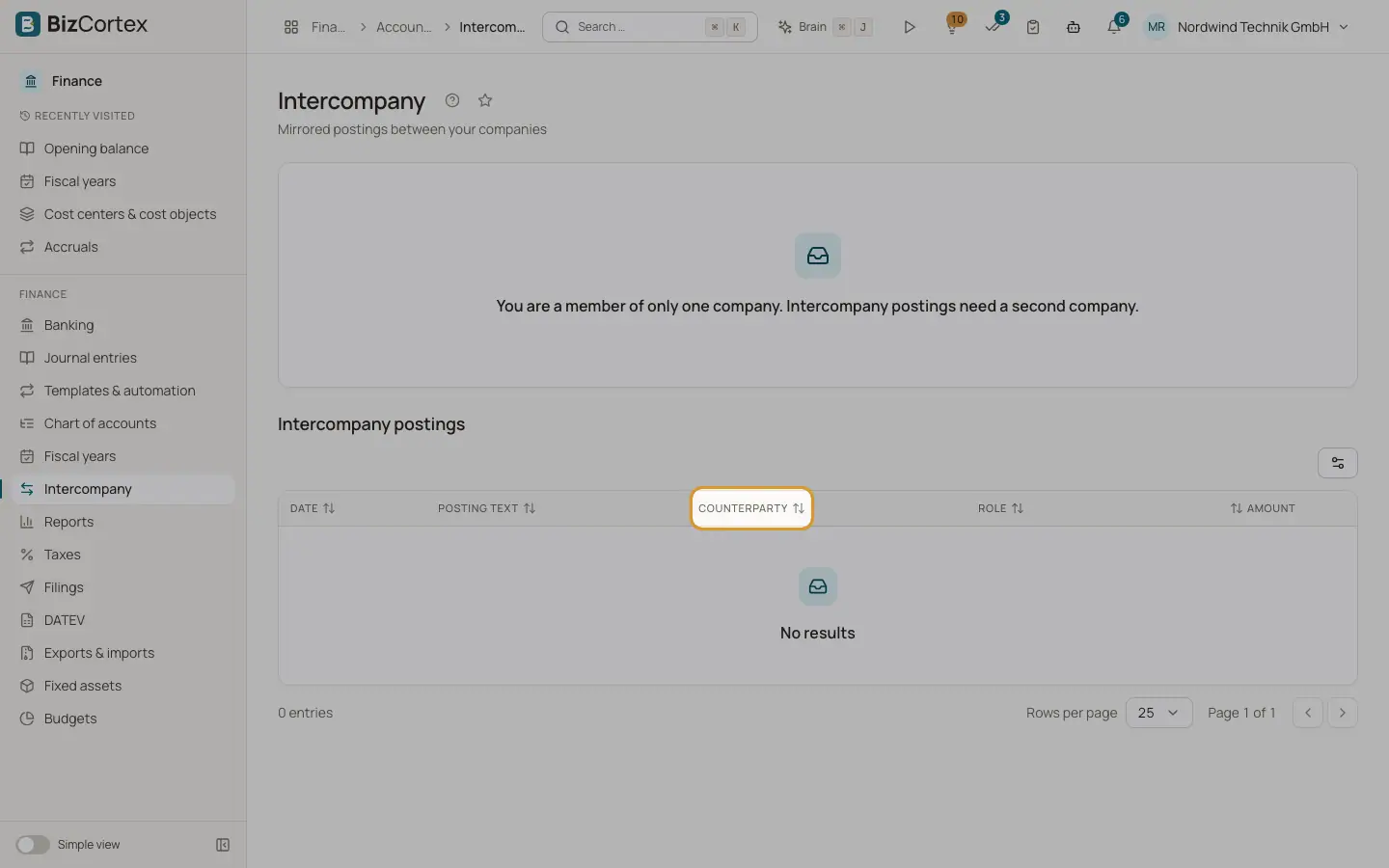
- If you belong to only one company, the page shows "You are a member of only one company. Intercompany postings need a second company."
- Intercompany postings cannot be made with an API key; a signed in user is required.
- Both entries carry an intercompany link, which is shown on the journal entry detail page.
Related
- Journal entries
The journal of all posted entries, and the detail view of a single entry.
- Reversing a journal entry
Correct a posted entry by posting a reversal (Storno) with swapped debit and credit.