VAT return in other countries
The national VAT return for companies outside Germany, with boxes, review hints and export files.
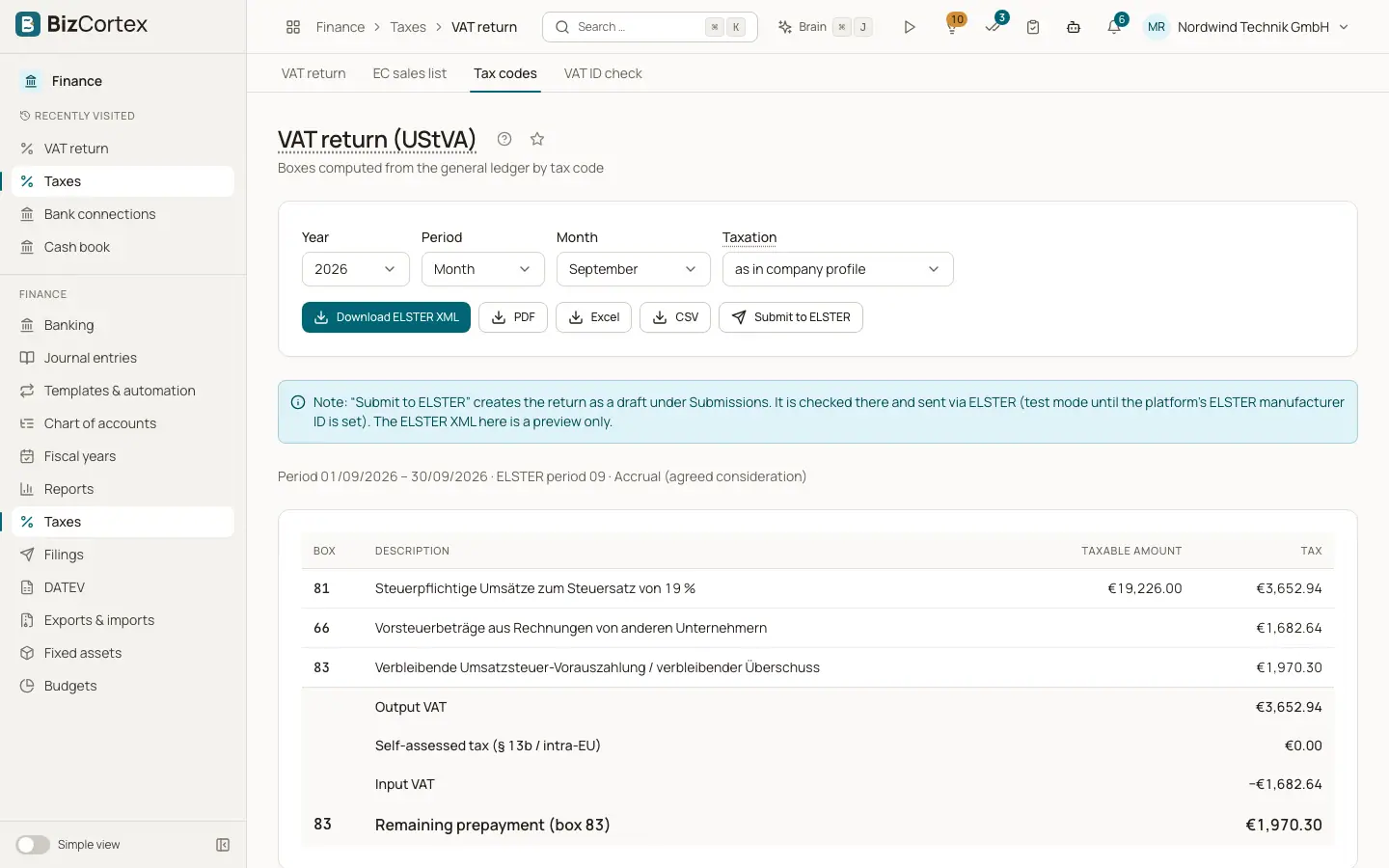
For companies outside Germany, Taxes, "VAT return" shows the return of your country, computed from your posted sales and input VAT. The page title is the name of the national form, for example the Austrian UVA (form U 30), the Swiss VAT return (effective or net tax rate method), the Danish momsangivelse, the Spanish Form 303, the French CA3 or annual CA12, the Norwegian mva melding or the Swedish Momsdeklaration.
Who can use this
- Owner
- Admin
- Accountant
- Anyone with the Tax return read permission
Steps
1. Choose the period
Only the periods your country allows are offered, for example month and quarter in Austria, two months in Norway, half year in Switzerland and Denmark, or year for the French CA12.
2. Choose the basis
Under "Basis", choose "Accrual (invoice date)" or "Cash (payment date)".
3. Review the boxes
The table lists box, description and amount. Under "Notes on the calculation" you see warnings, for example postings that could not be assigned.
4. Create files
Under "Files for the authority", click "Create" with the file name, for example "Create VAT return U30 (FinanzOnline XML)". This opens Exports and imports with the period filled in. The button "Create files" at the top opens the same page.
5. File the return
Enter the values in the portal of your tax authority or upload the file there.
Good to know
- A yellow box "Review before filing" appears while the box mapping of your country has not been signed off by a tax professional. Check the values with your tax adviser before you file.
- BizCortex does not transmit most national returns itself. The exceptions are the Austrian UVA and ZM through the FinanzOnline web service, if you set up that connection.
- If no periodic VAT return is defined for your country, the page says so.
Related
- How country packs work
The country of a company is chosen once and decides its accounts, taxes, files, payroll and deadlines.
- Exports and imports for authorities and auditors
Create the statutory audit and VAT files of your country and import accounting data from other software.
- Filings and connections
One list of everything BizCortex sends to tax offices, networks, banks and your tax adviser, with status, receipt and history, plus the connection settings.