Matching rules
Rules categorise recurring bank lines and can post them to a counter account automatically.
Matching rules save time on recurring transactions. A rule has conditions (for example "Counterparty contains Telekom") and actions (for example counter account 4920 with tax code VST19). When a bank line meets the conditions, the rule sets its category and, if you allow it, posts the line straight away.
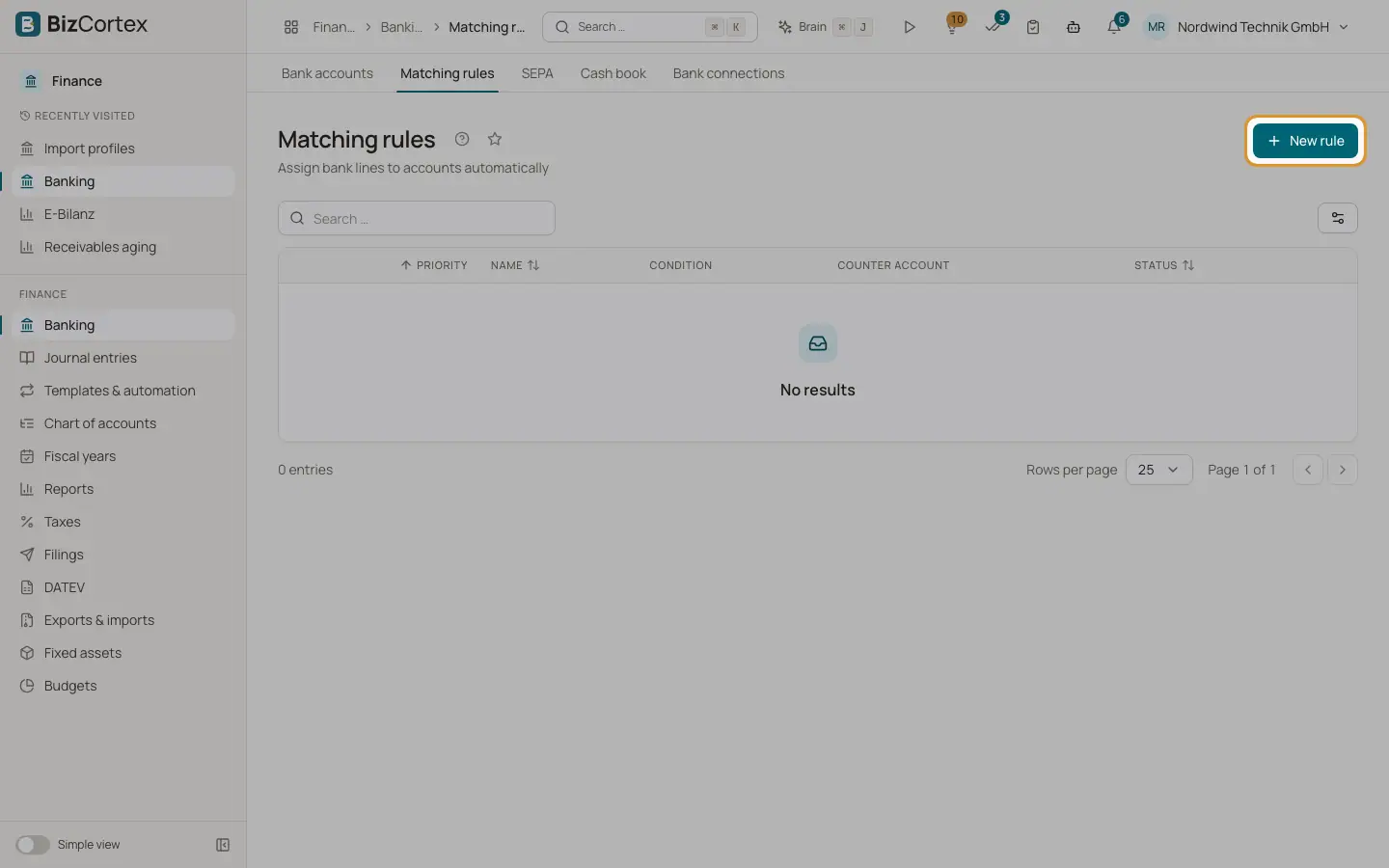
Open Banking, then "Matching rules" (advanced navigation). The list shows priority, name, condition, counter account, whether the rule posts automatically, and the status.
Who can use this
- Owner
- Admin
- Accountant
- Anyone with the Banking rule write permission (to create or edit)
Steps
1. Create a rule
Click "New rule". Enter a name and a priority. Leave "Active" switched on.
2. Add conditions
Under "Conditions", choose a field, a comparison and a value. Click "Add condition" for more. Under "Combine", choose "All conditions (AND)" or "Any condition (OR)".
3. Set the actions
Under "Actions", choose the "Counter account", optionally a "Tax code", a "Cost center" and a "Category".
4. Decide on automatic posting
Switch on "Post automatically" if matching lines should be posted to the counter account at once. This needs a counter account.
5. Save and run
Save the rule. It runs on every new import and fetch. To run it on lines that are already imported, click "Apply rules" on the bank account page.
Fields and options
- Priority
A whole number, default 0. Rules with a higher number are checked first. The first rule that matches a line wins; later rules are not checked for that line.
- Field
Purpose, Reference, Amount, Counterparty or Counterparty IBAN.
- Comparison for text fields
contains, equals, starts with, or matches (regex). Upper and lower case are ignored. IBANs are compared without spaces.
- Comparison for Amount
equals, greater than, greater or equal, less than, less or equal, or between (enter the second value in "to"). Outgoing amounts are negative.
- Category
A free label stored on the bank line, useful for filtering and reports.
- Post automatically
Posts the line directly against the counter account (with the VAT split of the tax code) and marks it as reconciled.
Tips
- Rules marked "simple rule" in the list come from an older single condition format. They still work; open and save them to use the new condition editor.
- Use the Counterparty IBAN field for the most reliable rules. Names and purposes change more often.
Good to know
- If an automatic posting fails, for example because the period is locked, the line stays categorised but open, and you reconcile it by hand.
- An invalid regular expression simply never matches.
Related
- Reconciling bank transactions
Match each bank line with an invoice, a bill, a journal entry or an account, using scored suggestions.
- The bank account page
See the open lines of one bank account, edit it, fetch transactions, apply rules and open the reconciliation.
- Tax codes
View and maintain the VAT codes with their rate, category, return boxes, DATEV key and OSS country.