Undoing a reconciliation
Reverse direct postings and remove links of a reconciled bank line.
If a line was reconciled by mistake, you can undo it. Postings that banking created directly (Book to account, Split to an account, automatic rule postings) are reversed with a reversal entry. Links to existing journal entries are removed. The line becomes open again.
Who can use this
- Owner
- Admin
- Accountant
- Anyone with the Banking transaction write permission
Steps
1. Find the line
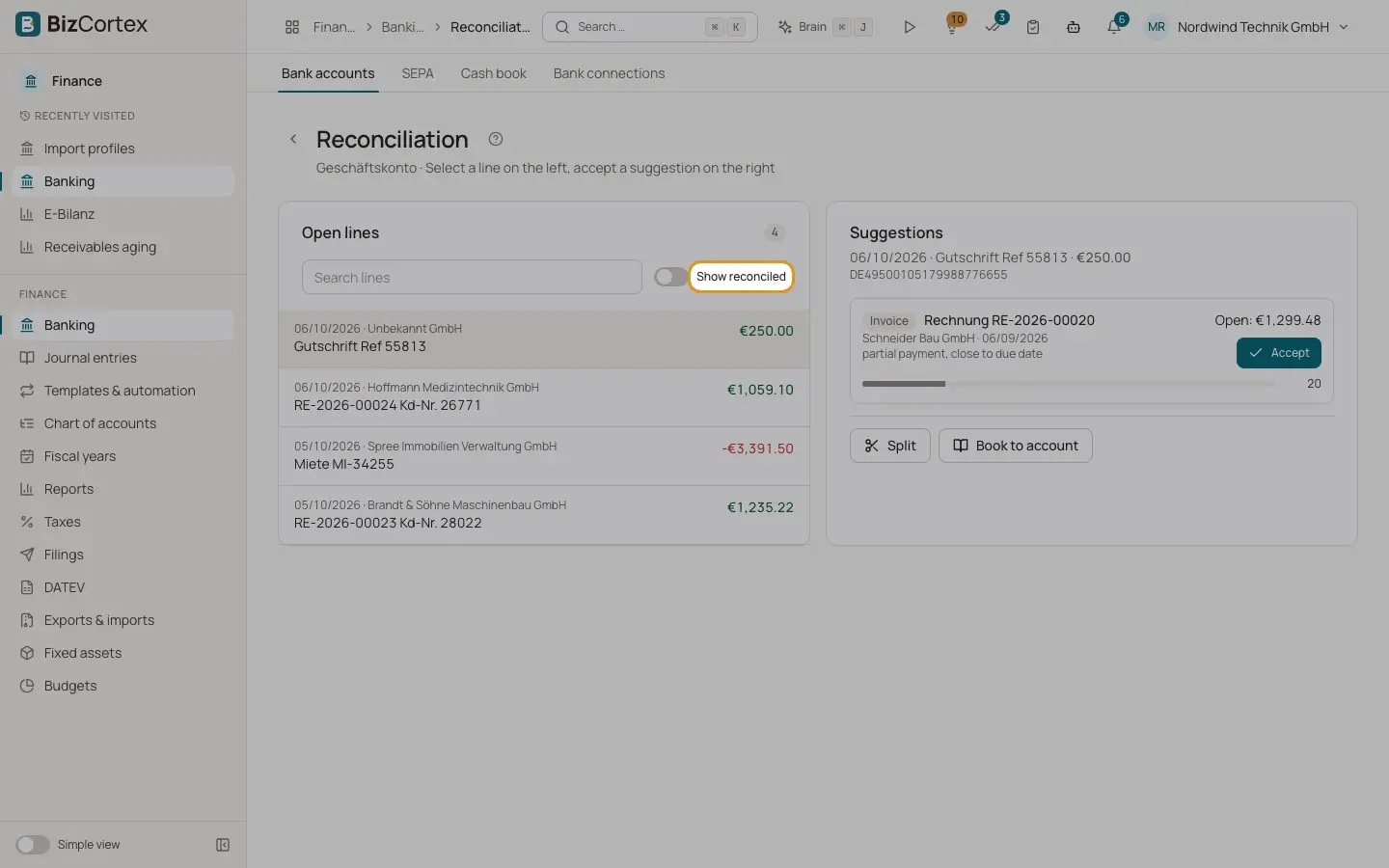
In the reconciliation workspace, switch on "Show reconciled" and select the line.
2. Undo
Click "Undo reconciliation" and confirm. The message "Reconciliation undone" appears.
Good to know
- Payments on invoices or bills cannot be undone automatically from banking yet. If a line recorded an invoice or bill payment, correct the payment in Sales or Purchasing instead (for example with a credit note or a manual reversal).
- Reversal entries are dated today unless another date is given. Nothing is deleted; the original posting and its reversal stay in the journal.
Related
- Reconciling bank transactions
Match each bank line with an invoice, a bill, a journal entry or an account, using scored suggestions.