Accruals and deferrals
Spread an expense or income evenly over several months with an automatic monthly release.
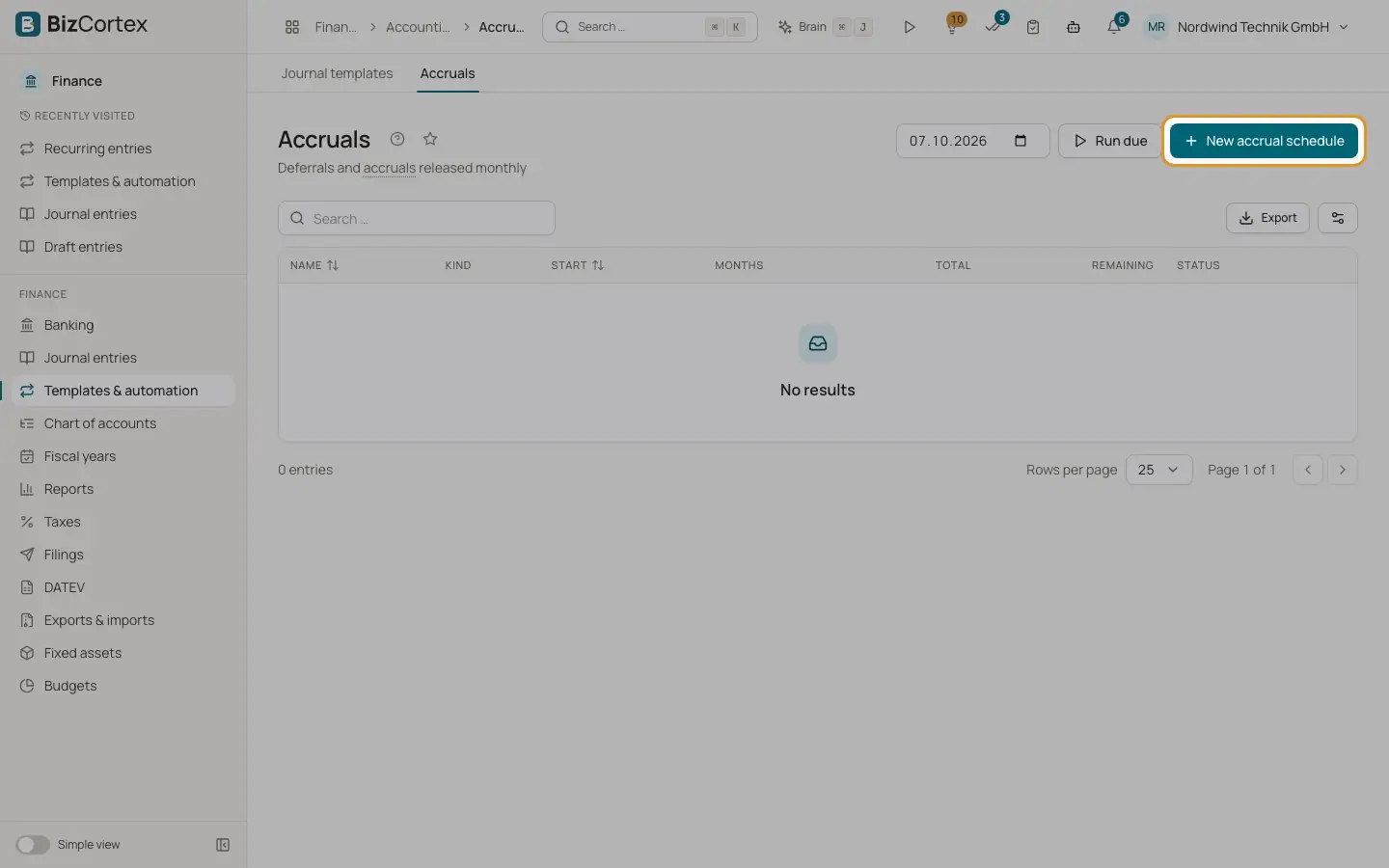
Open Finance, Templates and automation, Accruals. An accrual schedule spreads a total amount over a number of months, for example an insurance premium paid for a year in advance. BizCortex creates a release plan with equal monthly amounts and posts one entry per month, dated at the end of that month, from the debit account to the credit account. The rounding remainder goes into the last month.
Who can use this
- Owner
- Admin
- Accountant
Steps
1. Create a schedule
Click "New accrual schedule". Enter the Name, choose the Kind, the Total, the Start month and the number of Months (12 by default).
2. Choose the accounts
Choose the Debit account and the Credit account. They must be different. Optionally choose a Cost center and a Cost object; every monthly entry carries them.
3. Save
The release plan is created at once. Click the row to see it: each month with its amount and the status Open or Posted (with a link to the entry).
4. Release due months
Releases are posted automatically every night at about 3:10. To do it now, choose an "As of" date at the top and click "Run due".
5. Cancel a schedule
Choose "Cancel schedule" in the row menu. Open months are dropped. Months already posted remain; reverse them if needed.
Fields and options
- Kind
Prepaid expense, Deferred income, Accrued expense or Accrued income. The kind describes the schedule. The posting always goes from the debit account to the credit account you chose.
- Total
The amount to spread. Must be greater than zero.
- Months
From 1 to 360.
- Remaining and Released
How much is still open and how much has been posted.
- Status
Active, Completed (all months posted) or Cancelled.
Tips
- Example: you pay 1,200 for a year of insurance in January. Book the payment to a prepaid expense account, then create a schedule of 12 months with the insurance expense account as debit and the prepaid expense account as credit. Each month 100 is released to expense.
Good to know
- If a monthly release fails, for example because the period is locked, the schedule is skipped for this run and the error is shown. The release is tried again in the next run.
Related
- Recurring entries
Let bookings that repeat regularly, such as rent, be created automatically on their due date.
- Cost centers and cost objects
Set up dimensions to analyse bookings by department, project or product.