Linking accounts and daily fetching
Link bank accounts reported by the bank to BizCortex accounts and fetch new transactions every day.
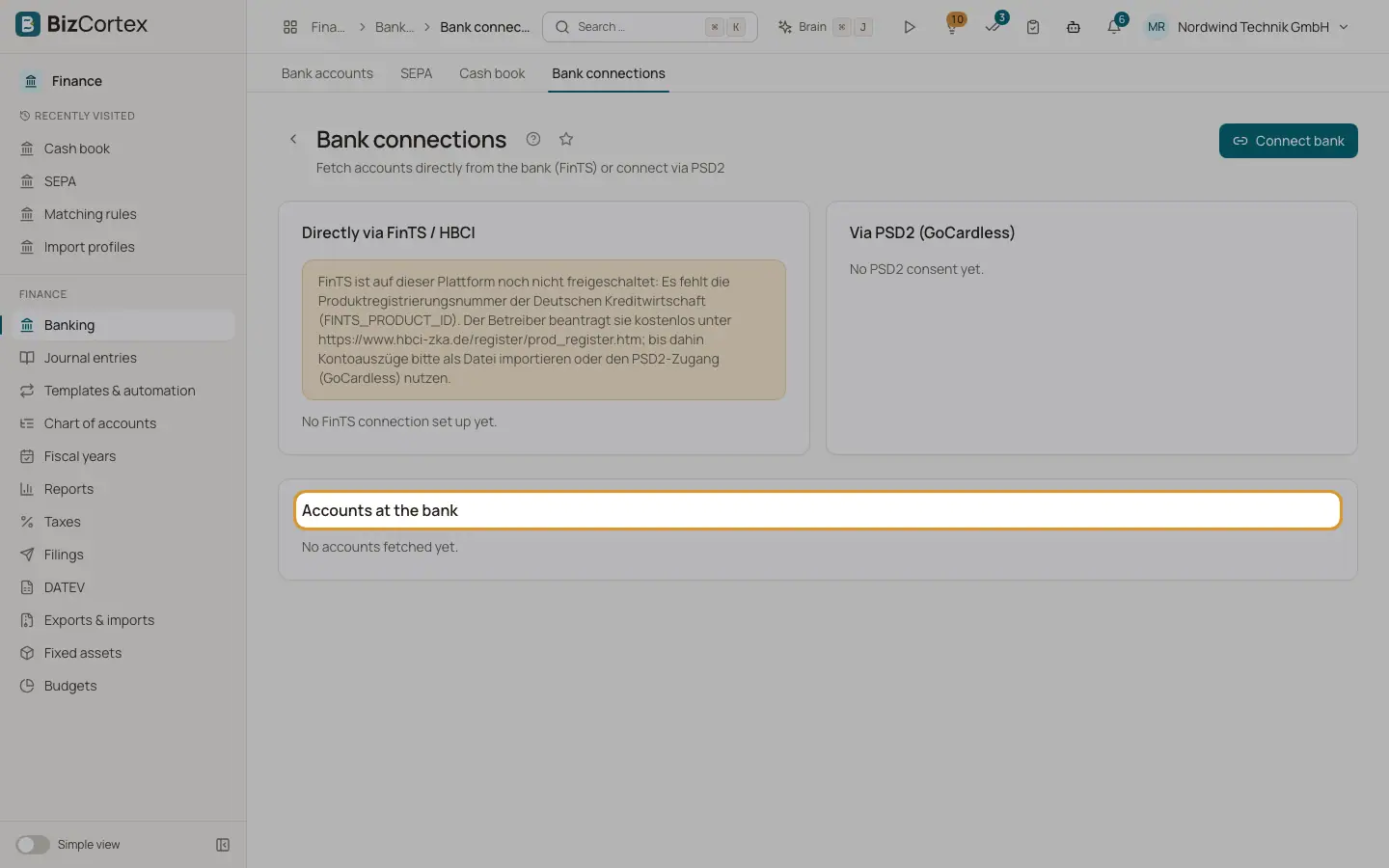
Every account the bank reports appears under "Accounts at the bank" on the Bank connections page, with its provider (FinTS or PSD2) and the result of the last fetch. Each must be linked to a BizCortex bank account before transactions can be imported.
Who can use this
- Owner
- Admin
- Accountant
- Anyone with the Banking connection write permission
Steps
1. Link
Choose the BizCortex bank account in the dropdown, or click "Create new account" to create one from the bank data.
2. Switch on daily fetching
Switch on "Fetch daily". Every morning (by default at a quarter past five, Berlin time) BizCortex fetches new transactions for all linked accounts.
3. Fetch by hand
On the bank account page, click "Fetch transactions" at any time. The message shows how many new transactions arrived and how many were already present.
Good to know
- PSD2 accounts are fetched daily while the consent is valid.
- FinTS accounts are fetched daily only with a stored PIN, and only while the bank lets BizCortex in without a TAN. If the bank asks for a TAN, the link is marked and nothing is fetched; fetch by hand instead.
- The line under each account shows "Last fetched" with date and time, or the last error.
Related
- Connecting a bank with FinTS
Set up FinTS with bank code, server, login and PIN, then fetch accounts and transactions.
- Connecting a bank with PSD2
Give read access to accounts, balances and transactions through GoCardless Bank Account Data.
- The bank account page
See the open lines of one bank account, edit it, fetch transactions, apply rules and open the reconciliation.