Capitalising an asset from a bill
Turn a line of an approved purchase bill into a fixed asset, with automatic reclassification.
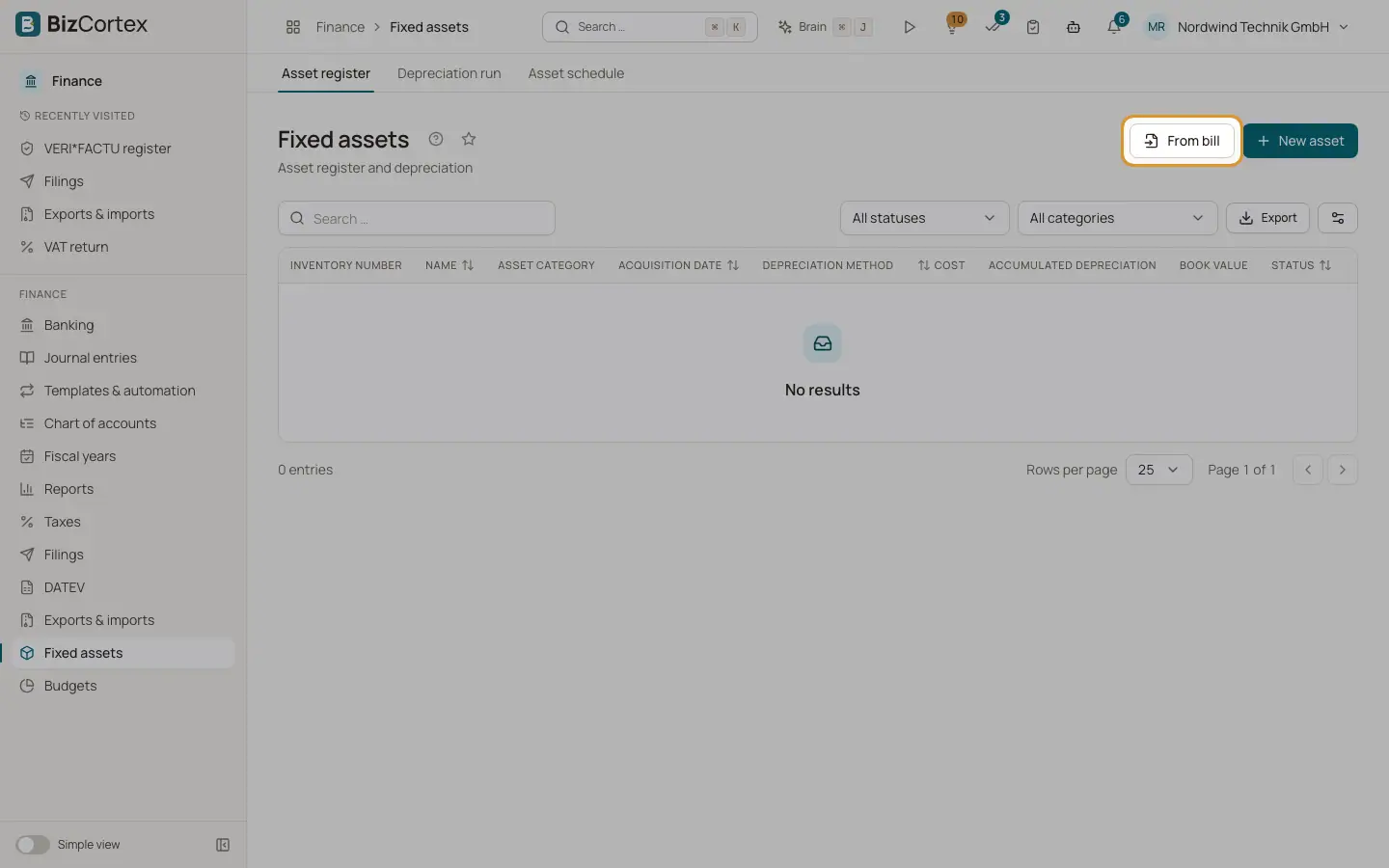
Click "From bill" in the asset register. The net amount of the bill line becomes the acquisition cost, and the bill date becomes the acquisition date. If the line was booked to an expense account, BizCortex posts a reclassification from that expense account to the asset account.
Who can use this
- Owner
- Admin
- Accountant
Steps
1. Choose the bill
Choose the bill under "Bill (approved)". The list shows bill number, date and status.
2. Choose the line
Choose the Bill line. Each line shows its description and amount.
3. Complete the asset
Optionally enter a Name (default: the line description), the Useful life (years) and an Asset category.
4. Save
The result shows the new asset and, if a reclassification was posted, the button "Show reclassification".
Good to know
- Only approved bills (received, partly paid, paid or overdue) can be capitalised.
- A bill line can be capitalised only once.
Related
- Bills (incoming invoices)
Record vendor invoices and follow their status.
- Asset register
The list of all fixed assets with cost, accumulated depreciation and book value.
- Creating and editing an asset
Enter a fixed asset with its cost, useful life, method and accounts.