OSS return
One Stop Shop report of sales to consumers in other EU countries, per country and rate.
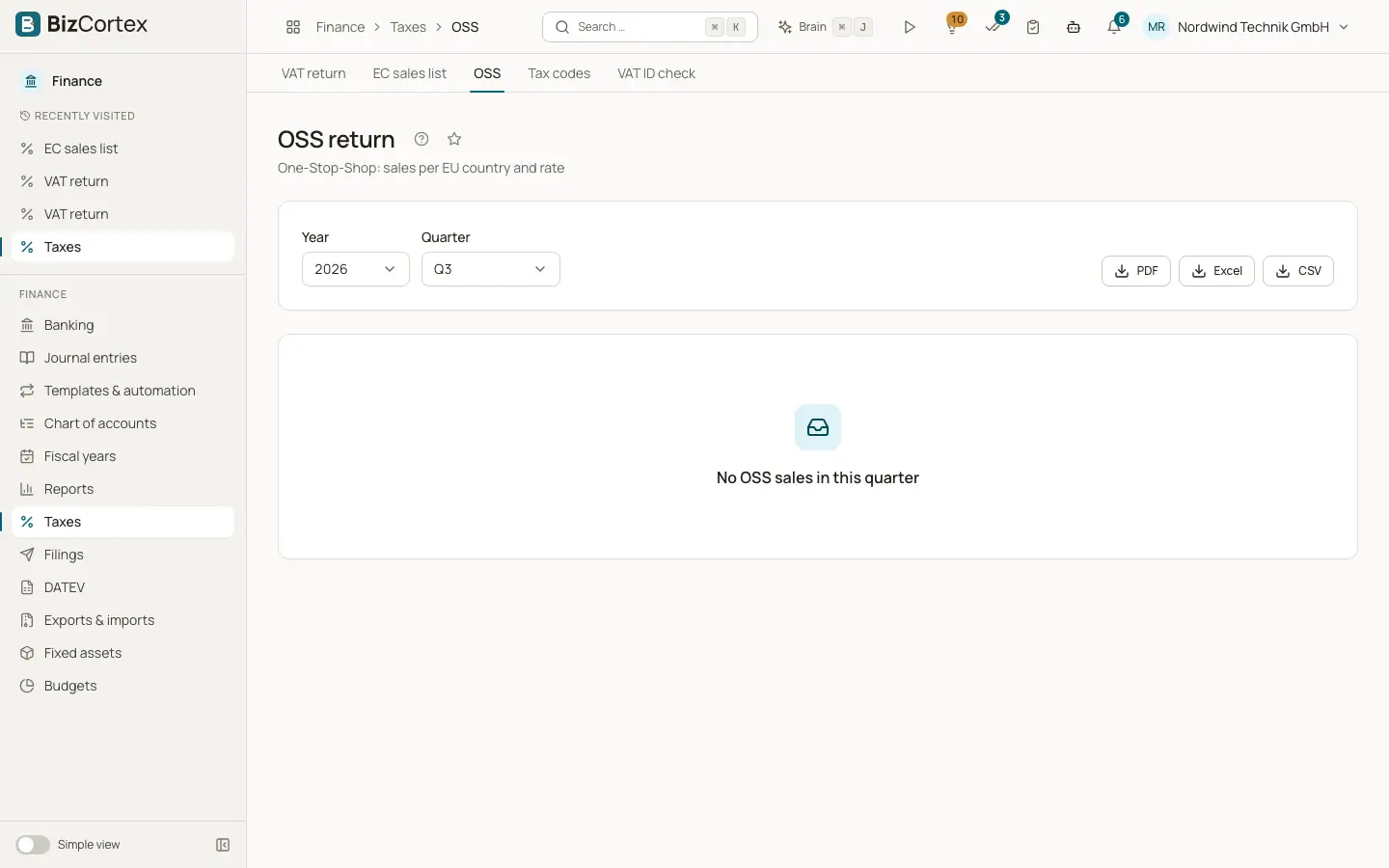
Under the One Stop Shop scheme you declare VAT of other EU countries for sales to consumers in one quarterly return. Open Taxes, then "OSS" (advanced navigation). The table lists country, rate, taxable amount and tax.
Who can use this
- Owner
- Admin
- Accountant
- Anyone with the Tax return read permission
Steps
1. Choose the quarter
Choose year and quarter.
2. Review
Check the totals per country and rate.
3. Download
Click "PDF", "Excel" or "CSV" and enter the values in the OSS portal.
Good to know
- Only postings with tax codes of the category OSS are included. The country comes from the OSS country of the tax code.
- Switch on "Registered for the OSS scheme" in the tax settings if you take part.
- BizCortex does not transmit the OSS return. Enter the values in the portal yourself.
Related
- Tax codes
View and maintain the VAT codes with their rate, category, return boxes, DATEV key and OSS country.
- Tax settings
Filing extension, special prepayment, VIES default and OSS registration.