Realised exchange differences
Post the gain or loss that arises when a foreign currency receivable or payable is paid at a different rate.
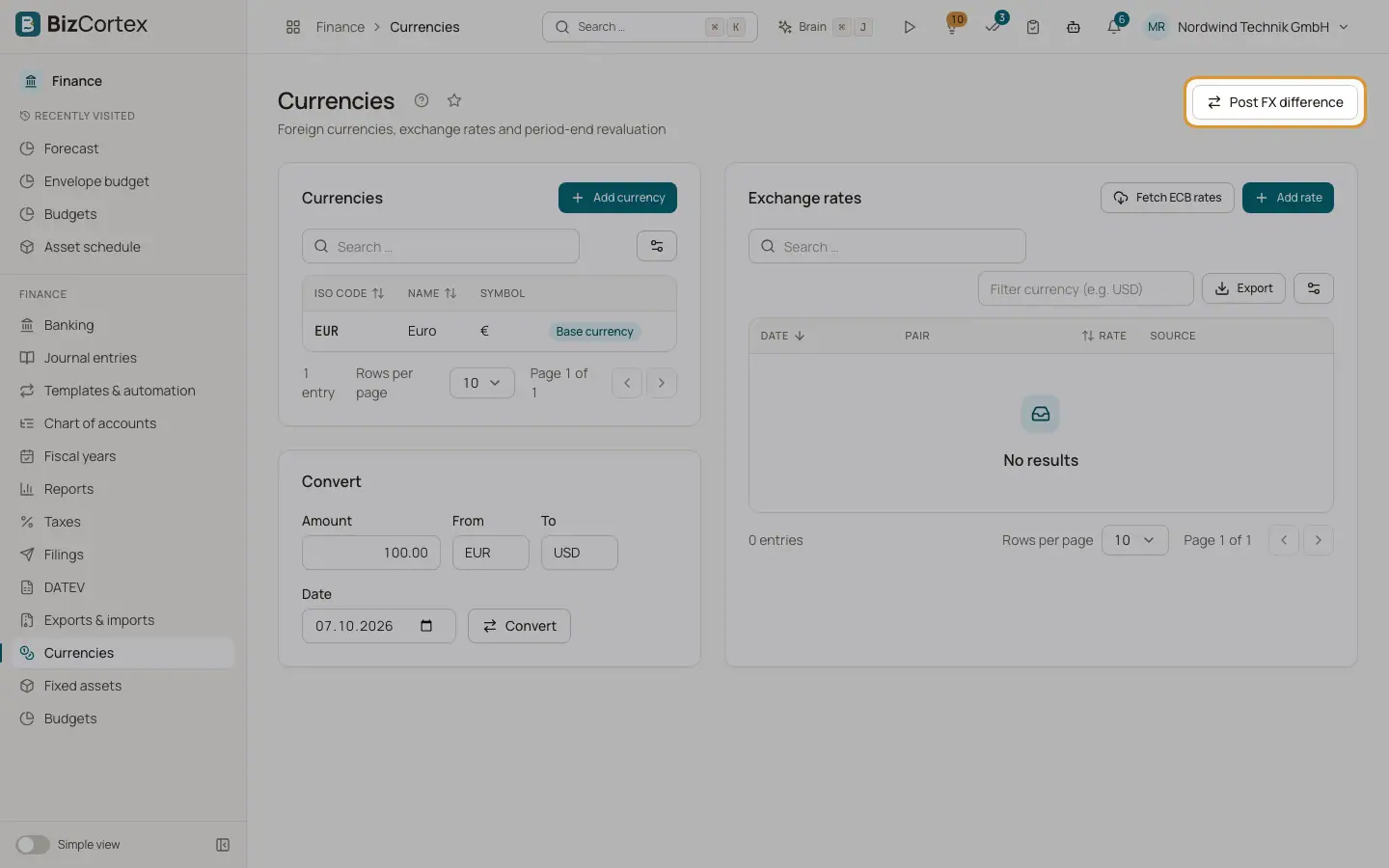
When a foreign currency invoice is paid, the exchange rate is usually different from the rate on the invoice date. The difference is a realised exchange gain or loss. For customer payments on foreign currency invoices, BizCortex posts it automatically a few seconds after the payment is recorded. For other cases use the button "Post FX difference" on the Currencies page.
Who can use this
- Owner
- Admin
- Accountant
Steps
1. Open the dialog
Click "Post FX difference".
2. Enter the item
Choose the Type: Receivable (customer) or Payable (vendor). Enter the Currency and the Amount in foreign currency.
3. Enter the rates
Enter the Booking rate and the Payment rate, or leave them empty to use the stored rates on the Booking date and the Payment date. The payment date is required.
4. Post
Add a Reference and confirm. A message shows the FX gain or loss that was posted, or "No exchange difference".
Good to know
- Sales and purchasing currently post foreign currency documents as if the amount were in the base currency. Realised and unrealised differences are therefore calculated on a best effort basis.
- Bill payments do not trigger an automatic posting; use the dialog for them.
Related
- Recording customer payments
Post money received, allocate it to invoices, grant cash discounts and keep the rest as credit.
- FX revaluation at period end
Revalue open foreign currency items and accounts at the closing rate, with automatic reversal.
- Currencies and exchange rates
Maintain foreign currencies and their exchange rates, manually or from the European Central Bank.