Creating and editing an asset
Enter a fixed asset with its cost, useful life, method and accounts.
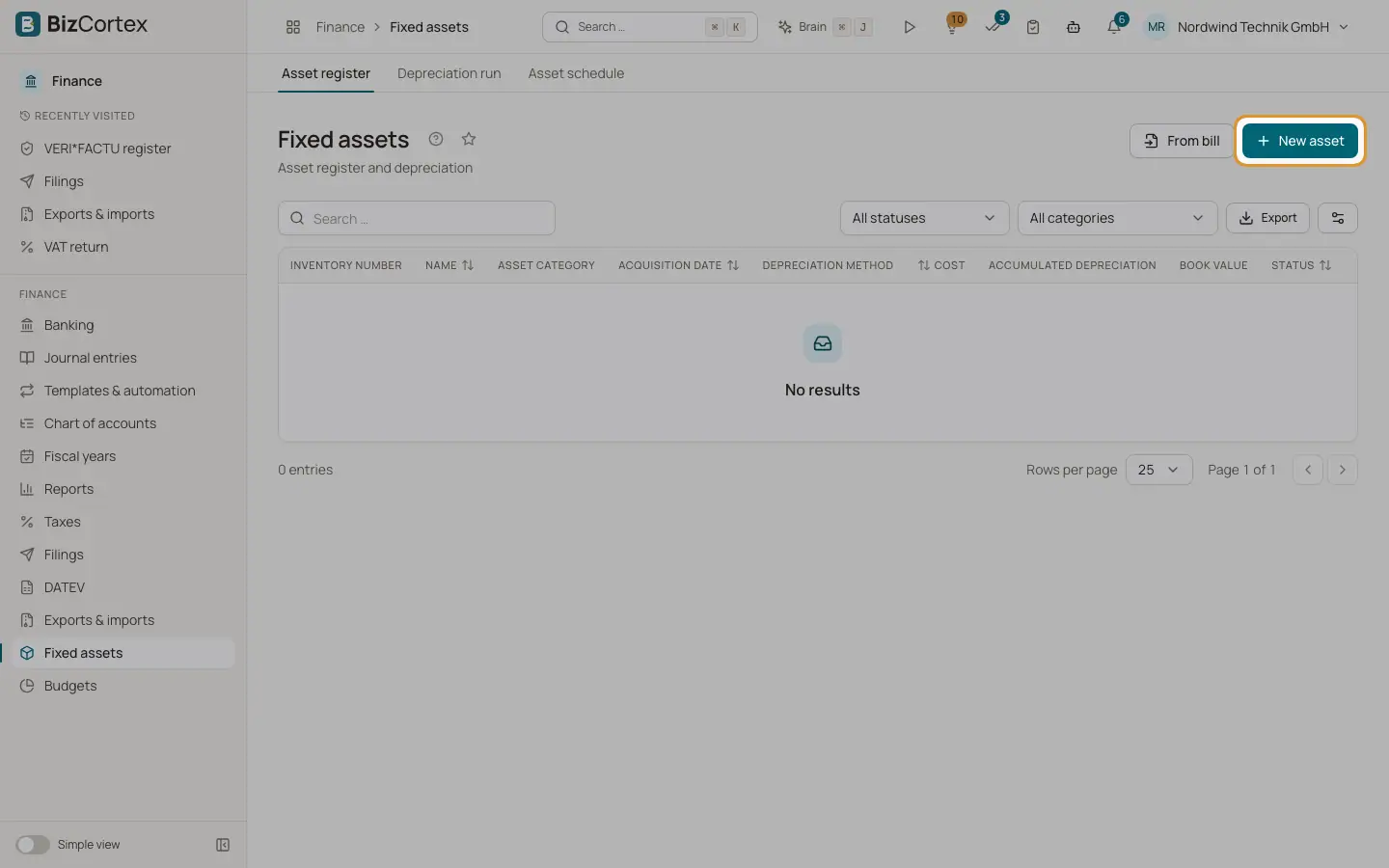
Click "New asset" in the asset register. The dialog asks for the master data, the depreciation settings and the accounts. When you save, BizCortex builds the depreciation schedule at once.
Who can use this
- Owner
- Admin
- Accountant
Fields and options
- Name
Required.
- Inventory number
Optional.
- Asset category
Optional. Useful life, method and accounts you leave empty are taken from the category.
- Acquisition date
Required. Depreciation starts in this month. Cannot be changed after creation.
- Acquisition cost (net)
The net cost without VAT. Cannot be changed after creation.
- Salvage value
The value expected at the end. Must be lower than the acquisition cost. Default 0.
- Useful life (years)
From 1 to 100, per the official AfA table. Leave empty to use the value of the category.
- Depreciation method
Choose a method or "from category".
- Asset account
The balance sheet account of the asset. Only asset accounts can be chosen.
- Depreciation account
The expense account for the depreciation. Only expense accounts can be chosen.
- Description
Optional free text.
Good to know
- Creating an asset by hand does not post the acquisition. The purchase is normally already booked through the bill. To capitalise a bill line and correct its booking automatically, use "From bill".
- Salvage value, useful life and method are locked once depreciation has been posted.
- For the methods low value asset and pool, BizCortex uses the matching default accounts of your chart if you leave the accounts empty.
Related
- Depreciation methods
The five depreciation methods and the German rules behind them.
- Asset categories
Default accounts, useful life and method per class of assets, also from the official AfA table.