Supported statement formats
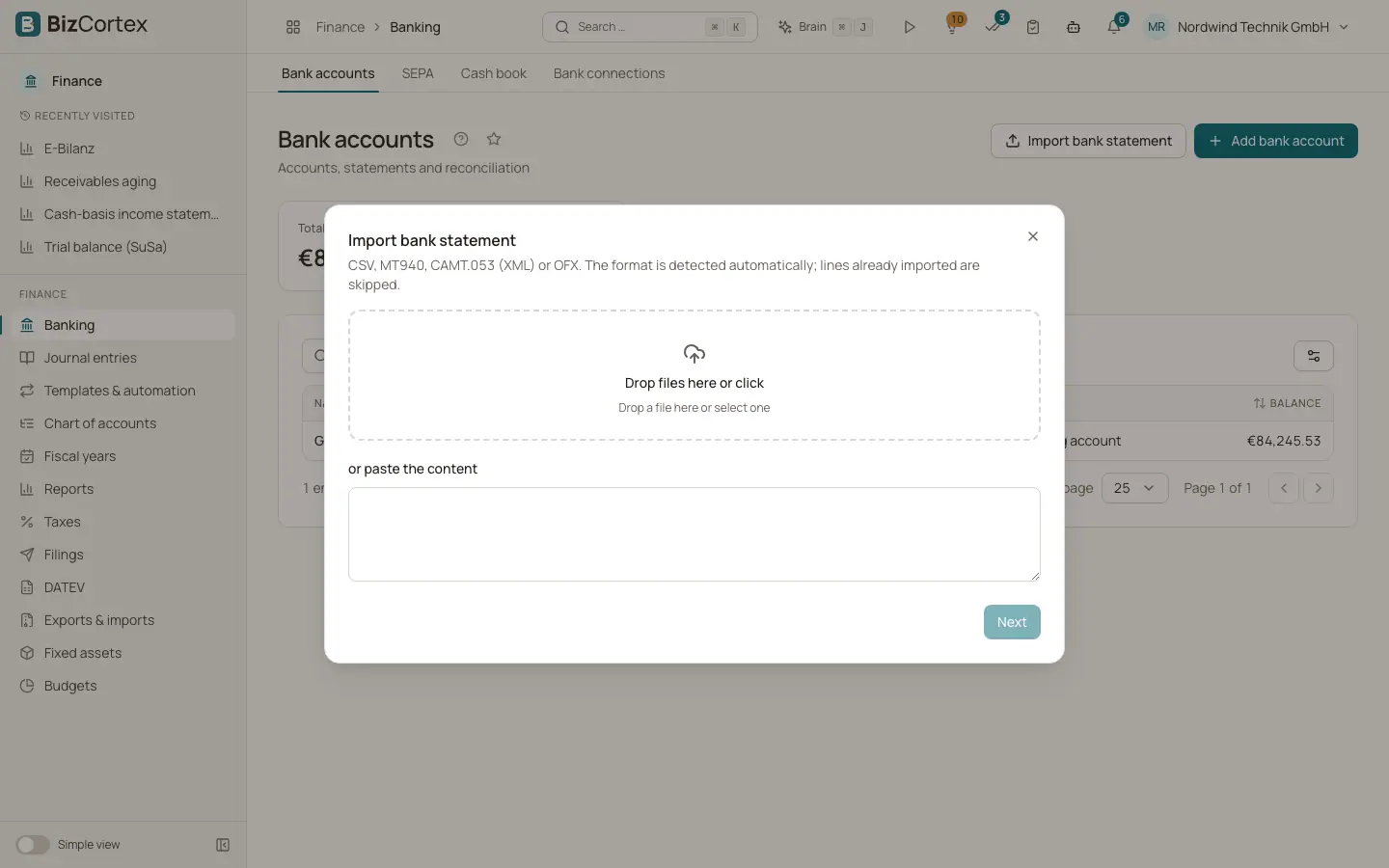
Details for each import format: CSV with automatic columns, CSV with a profile, MT940, CAMT.052, CAMT.053, CAMT.054 and OFX.
BizCortex reads the common European statement formats. This page explains what each format reader takes from the file, so you know which format to download from your online banking.
Who can use this
- Owner
- Admin
- Accountant
Steps
1. CSV with automatic column detection
BizCortex looks at the first part of the file and uses a semicolon as separator when the file has more semicolons than commas, otherwise a comma. The first row must be a header. Columns are recognised by common German and English names, for example Date, Datum, Buchungstag or Buchungsdatum for the booking date; Valuta or Wertstellung for the value date; Amount or Betrag for the amount; Description, Verwendungszweck or Buchungstext for the purpose; Name or Auftraggeber/Empfänger for the counterparty; IBAN for the counterparty IBAN; and EREF for the end to end reference. Rows without a date are skipped.
2. CSV with an import profile
When the automatic detection does not fit your bank, create an import profile. It defines the separator, encoding, date format, decimal separator, rows to skip and the exact column mapping. See the page about import profiles.
3. MT940
The SWIFT MT940 text format (often .sta or .mt940 files). Each statement line (field :61:) becomes one transaction. The details field :86: provides purpose, counterparty name and IBAN when present. Uploaded MT940 files are read with the Windows encoding that German banks use.
4. CAMT (XML)
The ISO 20022 XML formats. BizCortex reads CAMT.053 (account statements), CAMT.052 (intraday account reports, which FinTS returns) and CAMT.054 (debit and credit notifications), because they share the same entry layout. Each entry becomes one transaction. A collective entry with several transaction details is split into one line per detail. Reversal entries are recorded with the opposite sign. The purpose, the counterparty name and IBAN, the end to end ID and the mandate or bank reference are taken over.
5. OFX
Open Financial Exchange files (.ofx). Each STMTTRN block becomes one transaction with the posting date, amount, memo or name as purpose, the reference or check number, and the bank transaction ID.
Tips
- If your bank offers CAMT.053, prefer it. It carries the most complete data (counterparty IBAN, end to end ID, mandate reference), which improves automatic matching.
Good to know
- A CAMT file without a statement, report or notification element is rejected with an error. A CAMT entry without a booking or value date is rejected.
- An MT940 file without any :61: line is rejected.
- QIF is not supported.
Related
- Importing a bank statement
Upload or paste a statement file; the format is detected, duplicates are skipped and rules run automatically.
- CSV import profiles
Save the column layout of your bank CSV files so every CSV import is read correctly.