Copying a budget from actuals
Create a new budget from the actual figures of an earlier year plus an uplift.
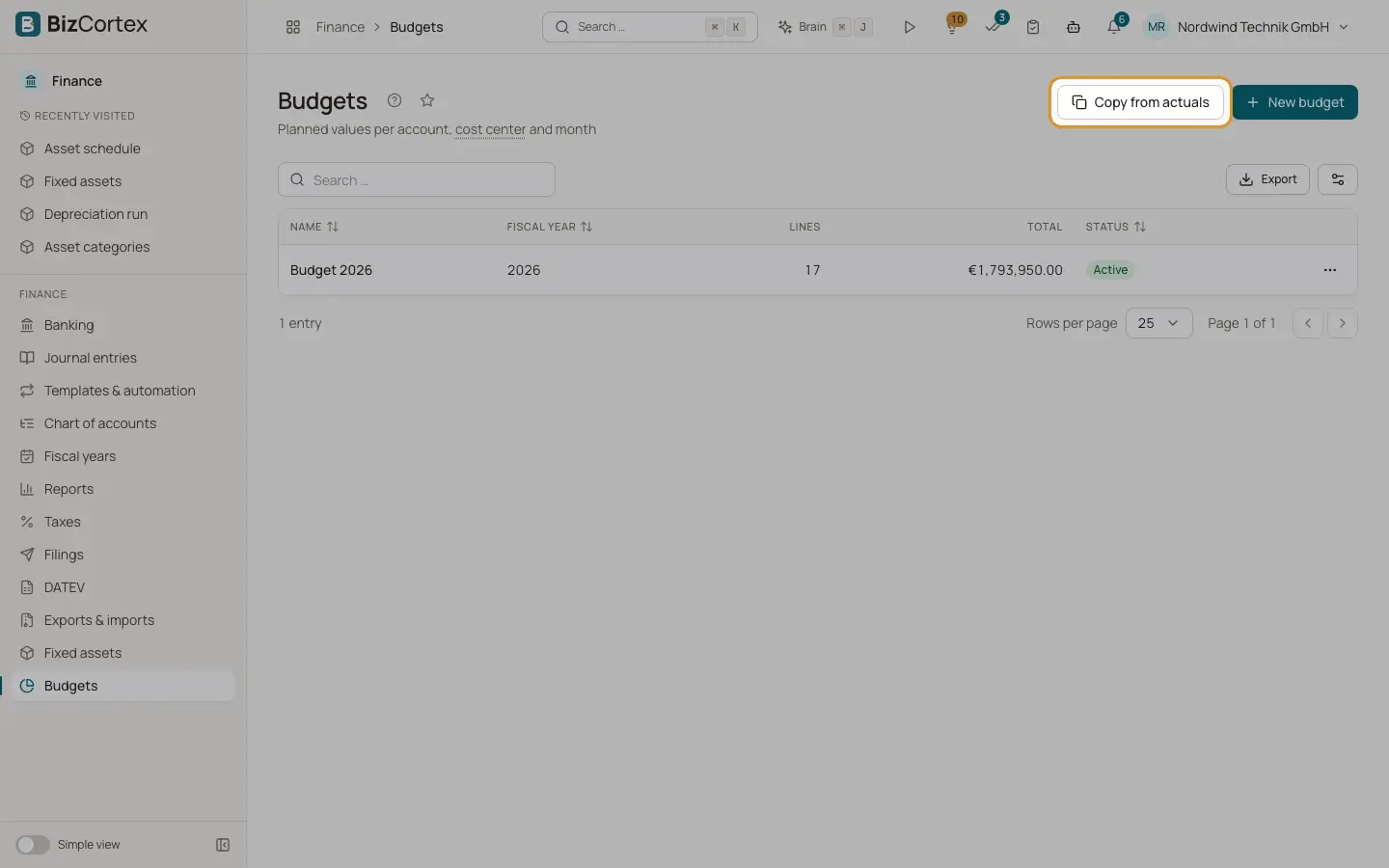
Click "Copy from actuals" in Finance, Budgets. BizCortex reads the actual figures of all P&L accounts with postings in the source year and creates a new budget from them.
Who can use this
- Owner
- Admin
- Accountant
Fields and options
- Name
Name of the new budget.
- Fiscal year
The year of the new budget.
- Source year (default: previous year)
The year whose actuals are copied.
- Uplift in %
A percentage added to every amount, for example 5 for plus 5 percent. A negative value reduces the amounts.
- Keep monthly values
On: one value per month as in the source year. Off: one lump sum per account for the year.
- Split by cost center
On: one row per account and cost center.
Related
- Budgets
Create yearly budgets with planned values per account, cost center and month.