Report export formats
What you get when you export a report as PDF, Excel or CSV.
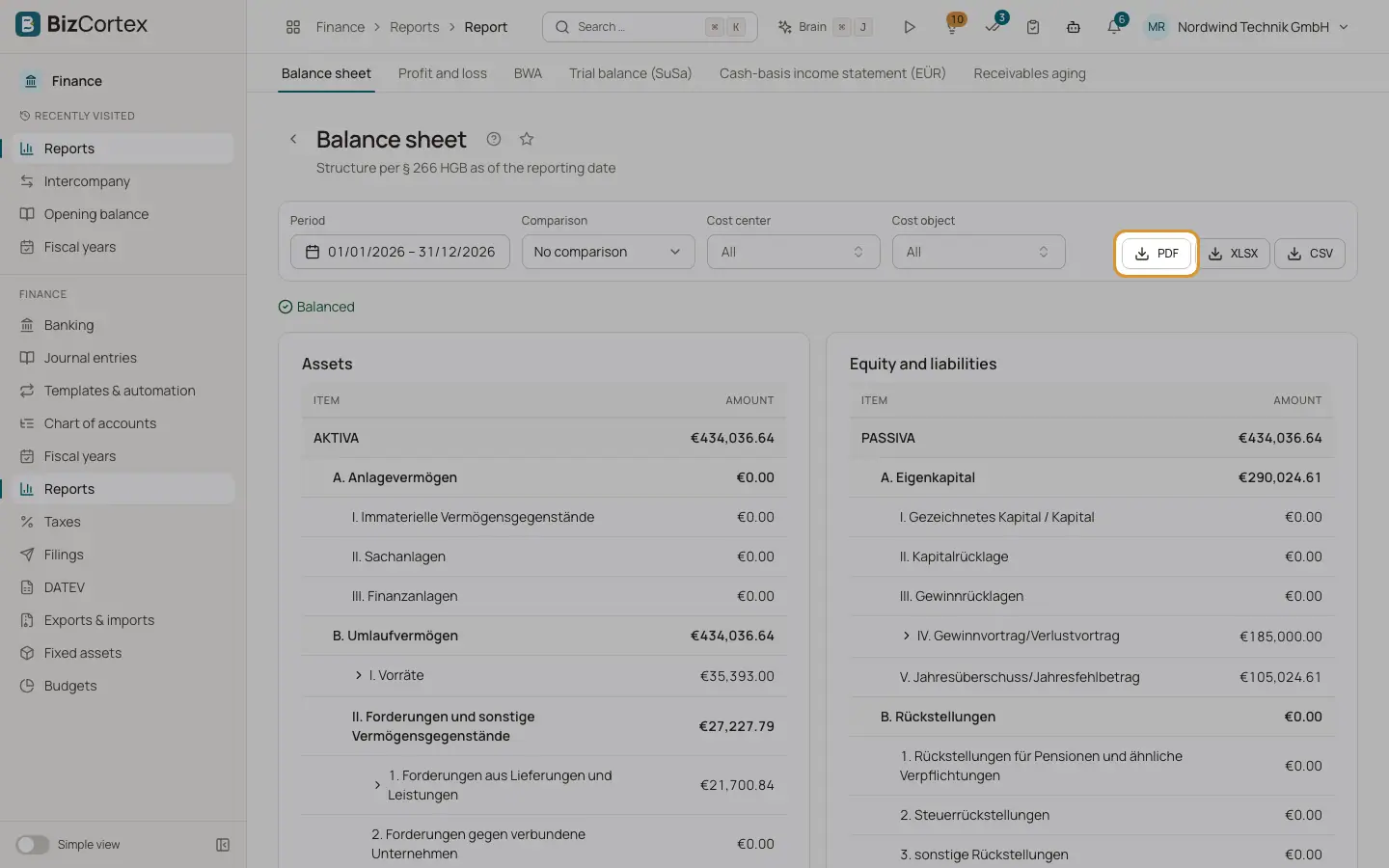
Every report in Finance, Reports has three export buttons: PDF, XLSX and CSV. The asset schedule, budget vs. actual and the chart of accounts have their own export buttons, which work the same way.
Who can use this
- Owner
- Admin
- Accountant
- Viewer
Fields and options
A printable document with the report title and all tables. Good for sending to your tax advisor or the bank.
- XLSX
An Excel workbook with one worksheet per table. Amounts are real numbers, so you can calculate with them.
- CSV
A text file separated by semicolons, in UTF 8 with a decimal comma, so it opens correctly in a German Excel. Several tables are separated by an empty line and a title row.
Good to know
- If the PDF service is not available on the server, the PDF export shows an error. Use XLSX or CSV in this case.
Related
- Reports: overview, filters and exports
Open financial reports, filter them, compare periods, drill down and export them as PDF, Excel or CSV.