Connecting a bank with PSD2
Give read access to accounts, balances and transactions through GoCardless Bank Account Data.
PSD2 is the European rule that lets you give a service read access to your bank account. BizCortex uses GoCardless Bank Account Data for this. You confirm the access on the website of your bank. The consent is valid for 90 or 180 days and then must be renewed.
Who can use this
- Owner
- Admin
- Accountant
- Anyone with the Banking connection admin permission
Steps
1. Choose PSD2
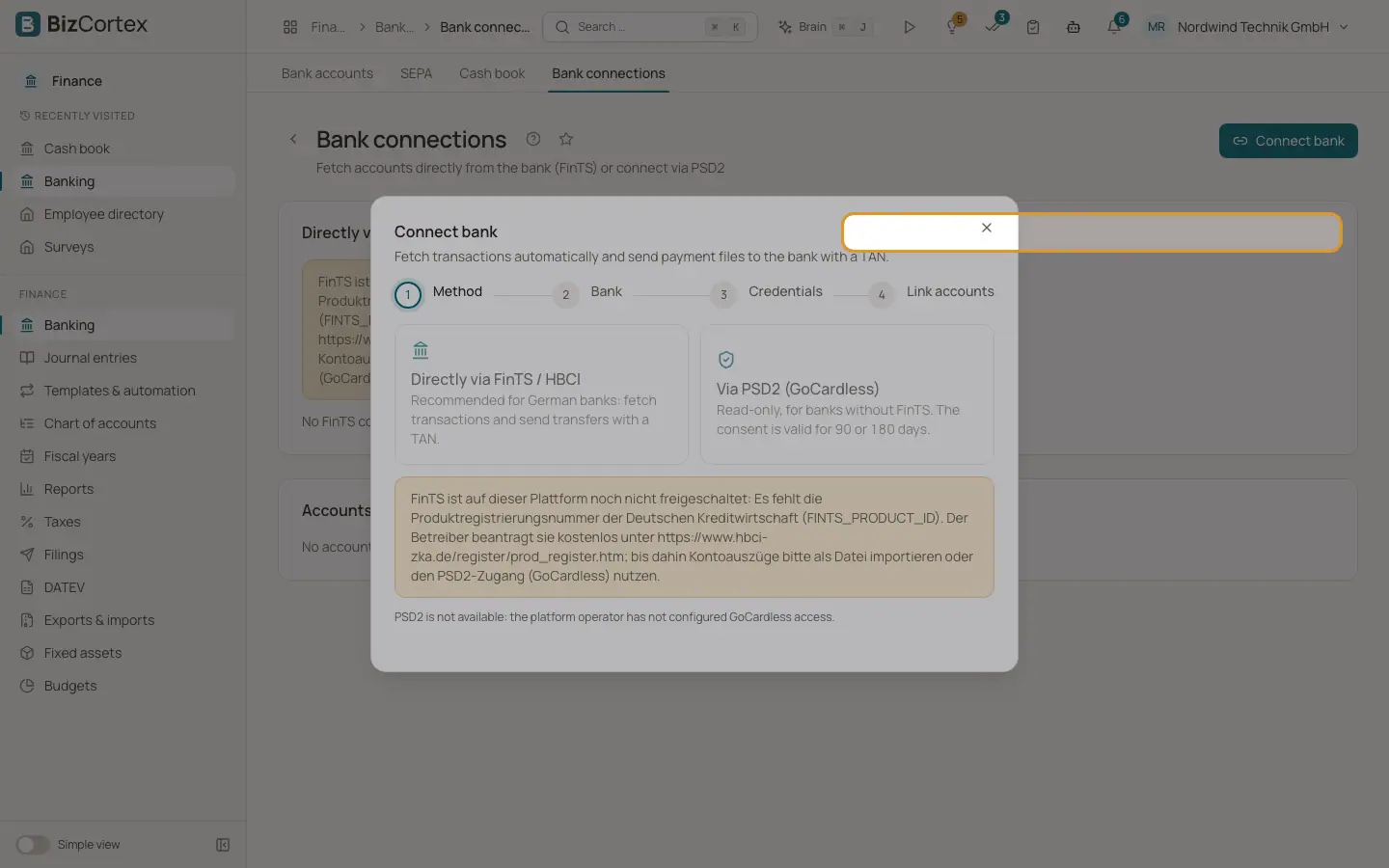
In Bank connections, click "Connect bank" and choose "Via PSD2 (GoCardless)".
2. Choose the bank
Type into "Search bank" and pick your bank from the list.
3. Choose the validity
Choose the "Consent validity": 90 or 180 days, as far as your bank allows.
4. Confirm at the bank
Click "Continue to the bank". You are redirected to your bank to confirm read access. Afterwards you come back to BizCortex automatically, and the page shows how many accounts were found.
5. Link accounts
Link the reported accounts to BizCortex bank accounts. Accounts with the same IBAN are linked already.
Fields and options
- Consent status
"Open" (waiting for confirmation at the bank), "Active", "Expired", "Rejected", "Revoked" or "Replaced".
- Validity
Shown as "Valid until" with the days left.
Tips
- Click "Renew" before a consent expires. The account links carry over by IBAN, and the old consent becomes "Replaced".
- Seven days before a consent expires, owners, admins and accountants get an in app notification.
- In test mode only the sandbox bank with sample data is offered.
Good to know
- PSD2 is read only. It cannot send payment files.
- Only booked transactions are fetched. The bank transaction ID is used for duplicate detection, so changed texts do not create duplicates.
- Banks often allow only about four fetches per day. When the limit is reached, try again the next day.
- Click "Revoke" to end the access. No more transactions are fetched afterwards.
- PSD2 is available only when the platform operator has configured GoCardless access.
Related
- Bank connections overview
Connect your bank through FinTS or PSD2 so transactions are fetched automatically.
- Linking accounts and daily fetching
Link bank accounts reported by the bank to BizCortex accounts and fetch new transactions every day.