Cost centers and cost objects
Set up dimensions to analyse bookings by department, project or product.
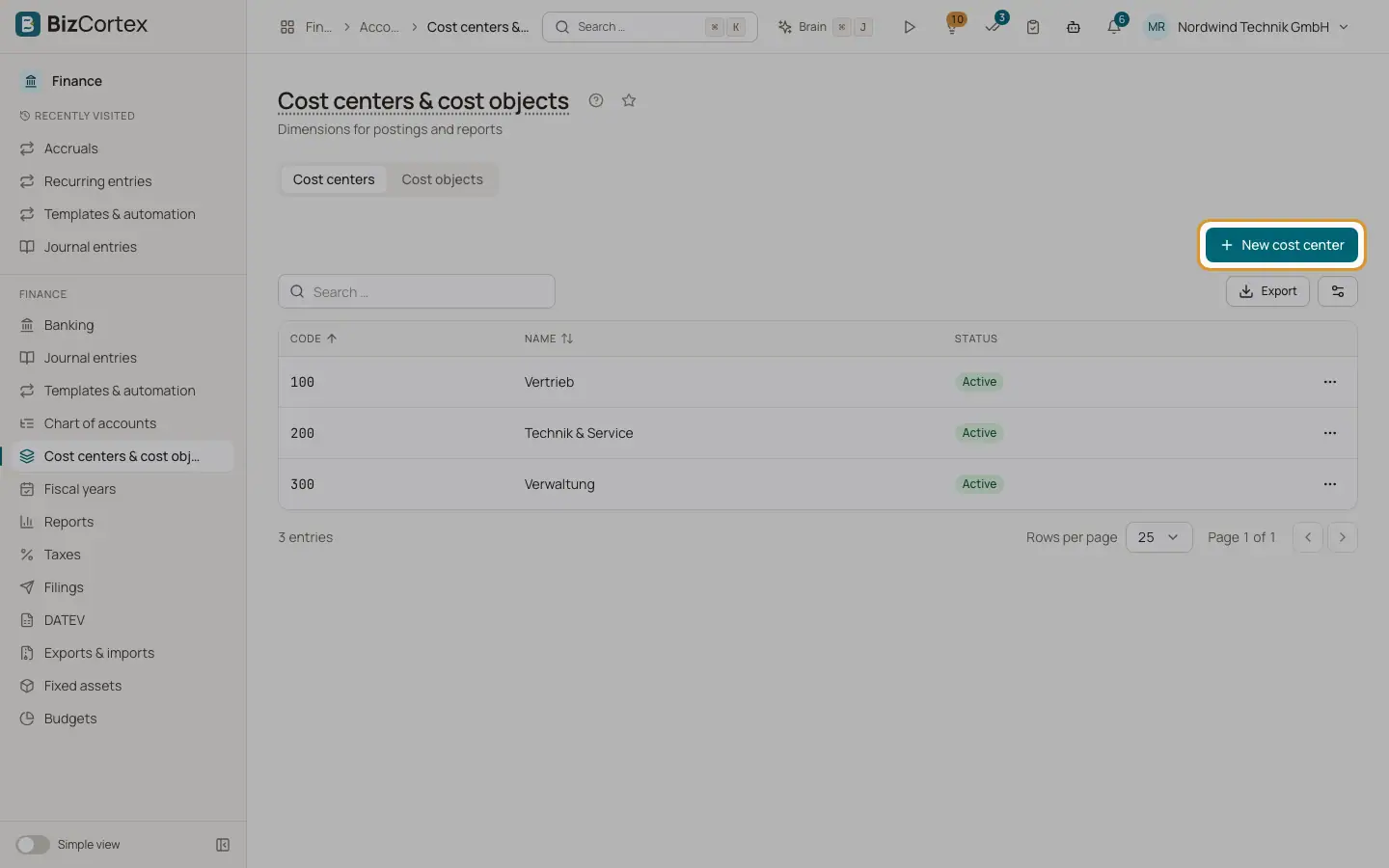
Open Finance, Cost centers and cost objects. Cost centers (in German Kostenstellen) usually stand for departments or locations. Cost objects (Kostenträger) usually stand for projects, products or orders. Every journal line can carry one cost center and one cost object. Most reports can be filtered by them, and the cost center analysis shows the result per cost center.
Who can use this
- Owner
- Admin
- Accountant (change)
- HR manager and Viewer (read cost centers)
Steps
1. Choose the tab
Use the tabs "Cost centers" and "Cost objects".
2. Add an entry
Click "New cost center" or "New cost object". Enter a Code and a Name. Cost objects also have a Description. Leave Active on and save.
3. Edit or deactivate
Use Edit in the row menu. Switch Active off to stop using an entry without losing its history.
4. Delete
Use Delete in the row menu. This is only possible while no posting uses the entry.
Fields and options
- Code
Required and unique within cost centers or within cost objects. Up to 50 characters.
- Name
Required. Up to 255 characters.
- Status
Active or Inactive.
Good to know
- Entries with postings cannot be deleted, only deactivated.
Related
- Cost center analysis
The P&L accounts per cost center or per cost object, as a matrix.
- Planning in the budget grid
Enter planned amounts per account and cost center for the year or for each month.