Asset register
The list of all fixed assets with cost, accumulated depreciation and book value.
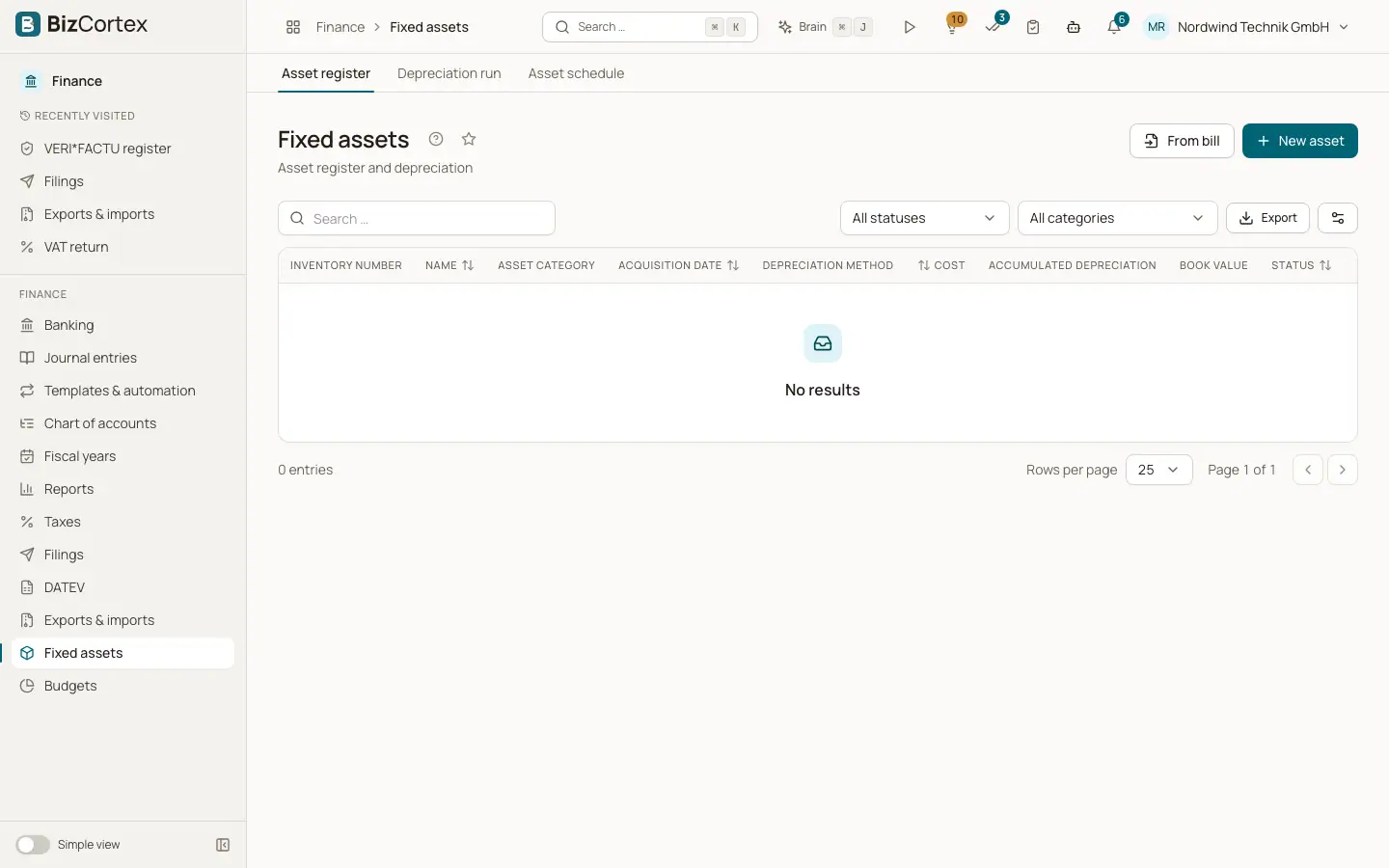
Open Finance, Fixed assets, Asset register. Here you manage your fixed assets such as machines, vehicles, furniture and IT. For each asset BizCortex calculates a depreciation schedule (AfA) and posts the depreciation to the general ledger with the depreciation run.
Who can use this
- Owner
- Admin
- Accountant
- Viewer (read only)
Steps
1. Filter the list
Filter by status (Active, Depreciated, Disposed or All statuses) and by asset category. Use the search field to find an asset by name, description or inventory number.
2. Add an asset
Click "New asset" to enter an asset by hand, or "From bill" to capitalise a line of an approved purchase bill.
3. Work with an asset
Use the row menu: View opens the detail page, Edit changes the asset, "Record disposal" records a sale or scrapping, Delete removes it.
Fields and options
- Inventory number
Your own number for the asset.
- Asset category
The category the asset belongs to.
- Acquisition date
The date the asset was acquired.
- Depreciation method
How the asset is depreciated.
- Cost
The acquisition cost, reduced by any partial disposals.
- Accumulated depreciation
All depreciation posted so far.
- Book value
Cost minus accumulated depreciation.
- Status
Active, Depreciated (fully written off) or Disposed.
Good to know
- An asset can only be deleted while no depreciation has been posted and when it was not created from a bill. Otherwise record a disposal.
- Disposed assets cannot be edited.
Related
- Creating and editing an asset
Enter a fixed asset with its cost, useful life, method and accounts.
- Capitalising an asset from a bill
Turn a line of an approved purchase bill into a fixed asset, with automatic reclassification.
- Asset detail page
Overview, depreciation schedule, disposals and history of one asset.