Creating SEPA credit transfers (pain.001)
Pay supplier bills and other payees in one bank file.
A credit transfer file (pain.001) contains one or more payments that your bank executes. You can upload it in your online banking, or send it directly with a FinTS connection. BizCortex writes the ISO 20022 format pain.001.001.09 and checks the file against the official schema before saving it.
Who can use this
- Owner
- Admin
- Accountant
- Anyone with the Banking SEPA write permission
Steps
1. Open the dialog
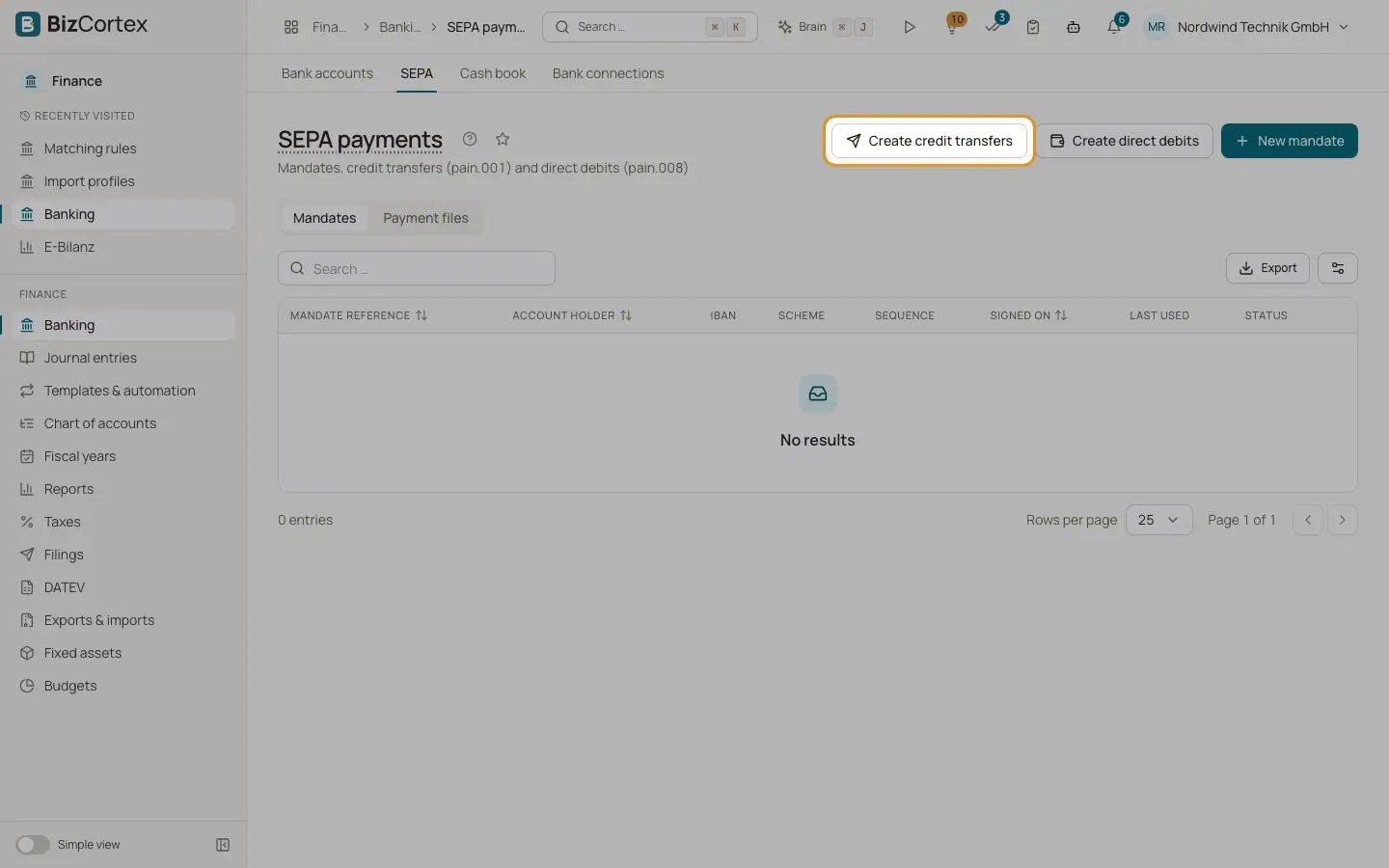
In Banking, SEPA, click "Create credit transfers".
2. Choose account and date
Choose the "Debtor account" (the bank account the money leaves) and the "Execution date".
3. Add open bills
Under "Open bills", search and add supplier bills. For each bill, BizCortex takes the open amount, the vendor name, IBAN and BIC, and uses the vendor reference or bill number as reference.
4. Add free payments
Under "Payments", click "Add payment" and enter "Payee", IBAN, BIC (optional), amount and "Remittance information". The total is shown below.
5. Create
Click "Create". The message "Payment file created" appears and the file is listed in the "Payment files" tab.
Fields and options
- Payee
Required, up to 140 characters.
- Amount
Required, greater than zero, with a decimal point.
- Remittance information
Required, up to 140 characters.
Tips
- For bank accounts in CHF, SEK, NOK or DKK, the same message is written without the SEPA service level and with shared charges.
- For Swiss companies, credit transfers use the Swiss Payment Standards variant (pain.001.001.09.ch.03) automatically.
Good to know
- At least one bill or payment is required.
- A bill must be open (received, partly paid or overdue) and have an open amount, and its vendor must have a valid IBAN.
- The bank account itself needs a valid IBAN.
- If the file does not pass the schema check, it is not saved and up to 20 schema errors are shown.
- Creating the file does not mark the bills as paid. The payment is recorded when the bank line is reconciled.
Related
- Payment files: download or send to the bank
Download the SEPA XML or send it to the bank directly with a FinTS TAN.
- Reconciling bank transactions
Match each bank line with an invoice, a bill, a journal entry or an account, using scored suggestions.