Journal (Primanota)
All postings of a period in entry number order, with every line.
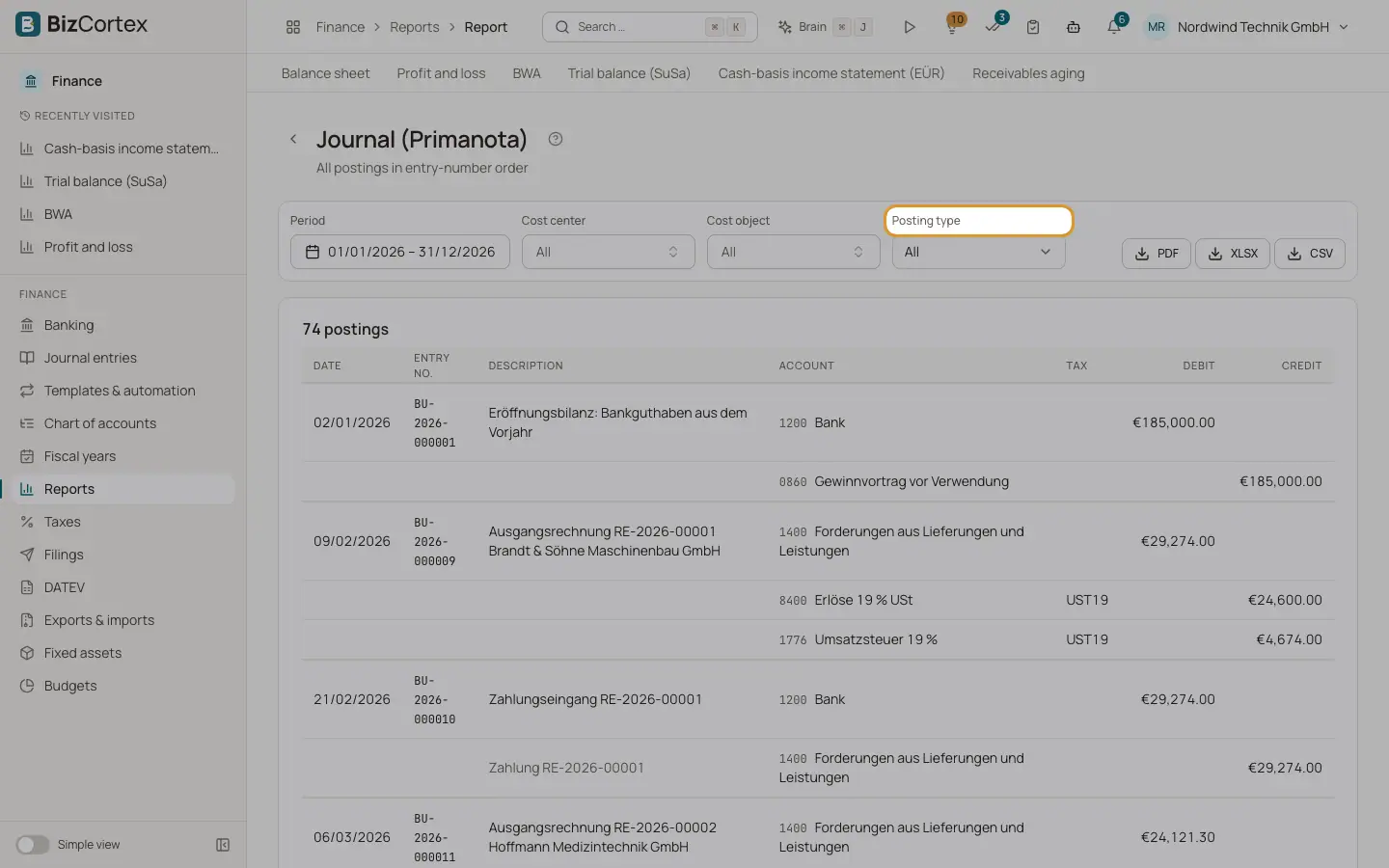
Open Finance, Reports, Journal (Primanota). The report lists every posting of the period in the order of the entry numbers, with all lines. The title shows the number of postings.
Who can use this
- Owner
- Admin
- Accountant
- Viewer
Steps
1. Filter by posting type
Under Posting type choose one kind: Manual entry, Sales invoice, Incoming payment, Purchase bill, Outgoing payment, Recurring entry, Accrual, Depreciation, Opening balance, Year end closing, Balance carried forward or Intercompany. Choose All to see everything.
2. Filter by dimension
Use the cost center and cost object filters to show only entries with such lines.
Fields and options
- Date, Entry no., Description
Data of the entry.
- Account
Account number and name of each line.
- Tax
The tax code of the line.
- Debit and Credit
Line amounts, with totals at the end.
Related
- Journal entries
The journal of all posted entries, and the detail view of a single entry.