Creating SEPA direct debits (pain.008)
Collect customer invoices by direct debit using your mandates.
A direct debit file (pain.008) asks your bank to collect money from your customers. BizCortex writes the format pain.008.001.08 with one payment block per scheme and sequence type.
Who can use this
- Owner
- Admin
- Accountant
- Anyone with the Banking SEPA write permission
Steps
1. Prepare the bank account
Enter your "Creditor ID (SEPA)" on the bank account (Edit on the bank account page). Without a valid creditor ID, direct debits cannot be created.
2. Open the dialog
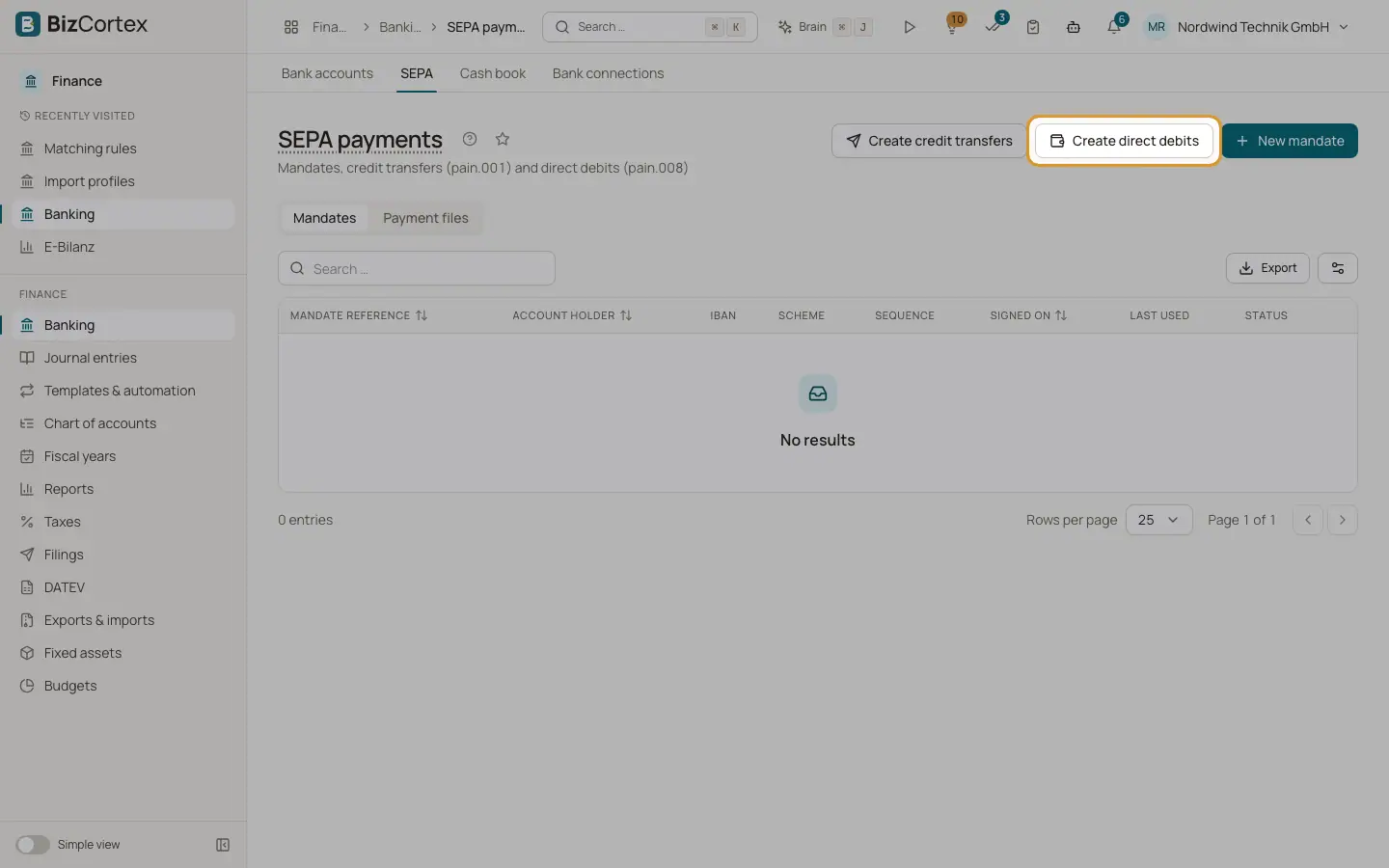
In Banking, SEPA, click "Create direct debits".
3. Choose account and date
Choose the bank account and the "Collection date".
4. Add items
Click "Add item" for each collection. Choose the "Mandate" and optionally the "Invoice (optional)". Leave the amount empty to collect the open invoice amount.
5. Create
Create the file. It appears in the "Payment files" tab.
Fields and options
- Mandate
Must be active and signed on or before the collection date.
- Invoice (optional)
Must be an open invoice. If chosen, the remittance text defaults to the invoice number, and the invoice number is used as end to end reference.
- Amount
Empty means the open invoice amount. It may not exceed the open amount.
Tips
- After the file is created, every used mandate gets its "Last used" date. FRST mandates switch to RCUR; OOFF and FNAL mandates become "Used up".
Good to know
- At least one item is required.
- Creating the file does not mark the invoices as paid. The payment is recorded when the incoming bank line is reconciled.
Related
- SEPA direct debit mandates
Record the mandates your customers signed so you can collect payments by direct debit.
- Payment files: download or send to the bank
Download the SEPA XML or send it to the bank directly with a FinTS TAN.
- The bank account page
See the open lines of one bank account, edit it, fetch transactions, apply rules and open the reconciliation.