FX revaluation at period end
Revalue open foreign currency items and accounts at the closing rate, with automatic reversal.
Open Finance, Currencies, FX revaluation. At a reporting date, open foreign currency invoices, bills and foreign currency ledger accounts must be valued at the closing rate (§ 256a HGB). BizCortex calculates the difference for each item and posts one revaluation entry. It also posts a reversal entry on the reversal date, so the next period starts again from the original values.
Who can use this
- Owner
- Admin
- Accountant
- Viewer (read only)
Steps
1. Start a run
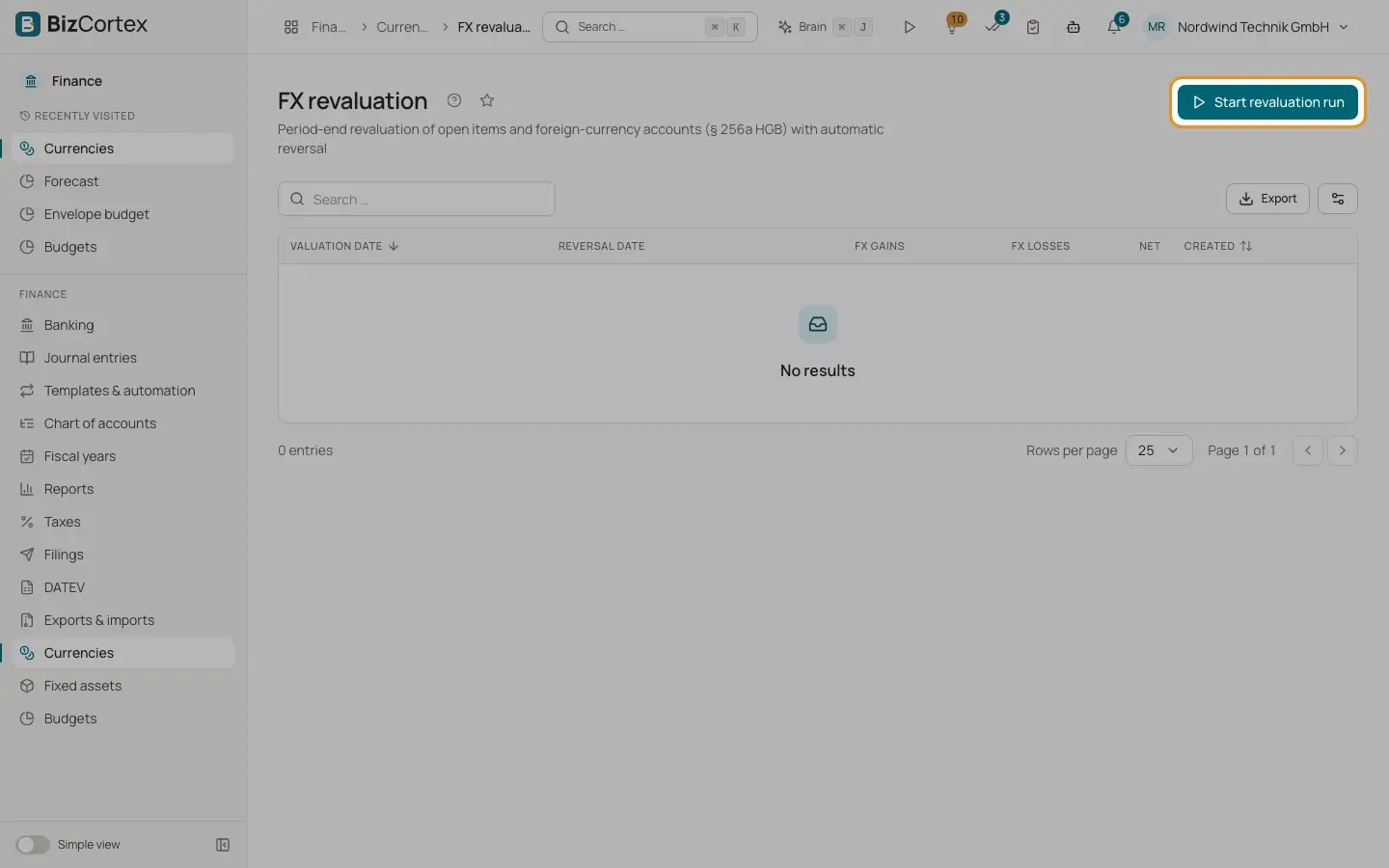
Click "Start revaluation run". Enter the Valuation date and, optionally, the Reversal date. Without a reversal date the day after the valuation date is used.
2. Check the list
The list shows each run with valuation date, reversal date, FX gains, FX losses, net and creation time.
3. Open a run
Click a run. The page shows the totals, links to the revaluation entry and the reversal entry, and one line per item.
Fields and options
- Source
Sales invoice, Bill or Account.
- FC amount
The open amount in foreign currency.
- Carried value
The value in base currency in the books.
- Closing rate
The rate on the valuation date.
- Revalued
The value at the closing rate.
- Difference
Revalued minus carried value.
- Skipped
A reason when an item was not posted.
Good to know
- For items with a remaining term of up to one year both gains and losses are posted. For longer terms only losses are posted; unrealised gains are skipped with a note.
- Only one run per valuation date is possible.
- A rate must exist for every currency on the valuation date, otherwise the run is refused.
- The reversal date must be after the valuation date and covered by an open fiscal year, because the reversal is posted at once.
Related
- Realised exchange differences
Post the gain or loss that arises when a foreign currency receivable or payable is paid at a different rate.
- Year end closing
Close the profit and loss accounts, carry the balances forward and lock the year with a guided wizard.