Recurring entries
Let bookings that repeat regularly, such as rent, be created automatically on their due date.
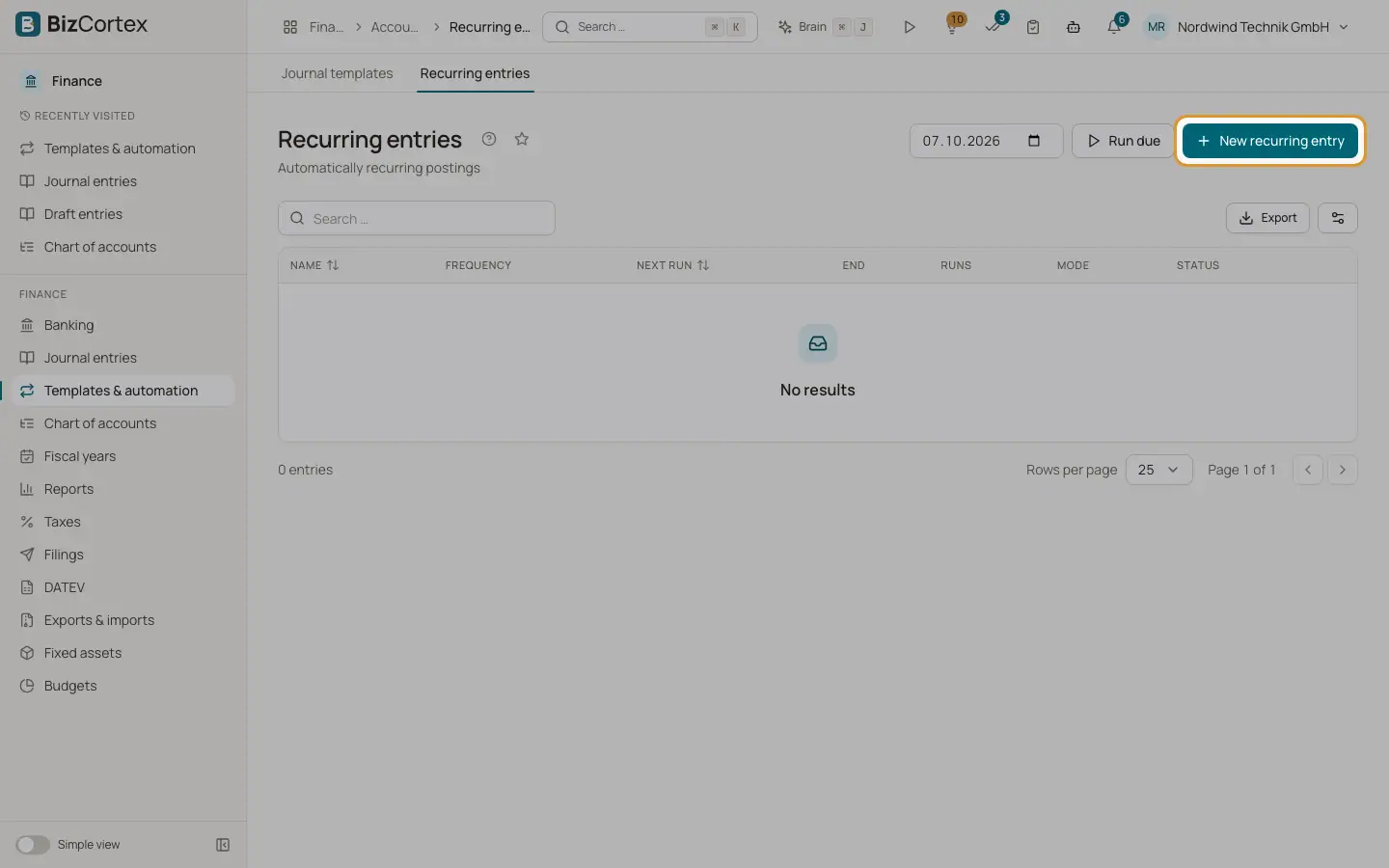
Open Finance, Templates and automation, Recurring entries. A recurring entry (in German Dauerbuchung) is posted or drafted automatically every week, month, quarter or year. BizCortex checks all recurring entries every night at about 3:00 and creates every occurrence that is due.
Who can use this
- Owner
- Admin
- Accountant
Steps
1. Create a recurring entry
Click "New recurring entry". Enter Name, Posting text and an optional Document no.
2. Set the rhythm
Choose the Frequency (weekly, monthly, quarterly or yearly), the Interval (for example 2 with monthly means every two months), the First run and an optional End date.
3. Enter the lines
Add the lines. They must be balanced before you can save.
4. Choose the mode
With "Post automatically" on, each occurrence is posted directly. With it off, each occurrence becomes a draft (shown as "As draft" in the list) for you to check and post.
5. Run due entries yourself
At the top of the page choose an "As of" date and click "Run due". All occurrences due on or before that date are created. A message shows how many entries were posted and drafts created, with a link "Open drafts", and lists any errors.
6. Run one entry now
Choose "Run now" in the row menu to create the occurrences of this entry that are due up to today.
Fields and options
- Frequency
weekly, monthly, quarterly or yearly. Cannot be changed after creation.
- Interval
From 1 to 36. Cannot be changed after creation.
- First run
The date of the first occurrence. Later dates are counted from this date, so month ends do not drift. Cannot be changed after creation.
- End
Optional. After the last occurrence before this date, the entry becomes inactive.
- Next run
Only shown when you edit. You can move the next occurrence, for example to skip one.
- Runs
How many occurrences were created so far.
- Mode
Post automatically or As draft.
- Active
Inactive entries are not run.
Good to know
- Running is safe to repeat: an occurrence is never created twice, because the next run date moves forward after each occurrence.
- If an occurrence fails, for example because its period is locked, that entry stops and the error is shown. The other entries continue.
- Deleting a recurring entry keeps the journal entries already posted from it.
- Entries posted by the nightly job have no user as author.
Related
- Booking templates
Save frequent entries as templates and book them again in a few clicks.
- Accruals and deferrals
Spread an expense or income evenly over several months with an automatic monthly release.