Importing a bank statement
Upload or paste a statement file; the format is detected, duplicates are skipped and rules run automatically.
The import wizard reads a statement file from your bank and adds its lines to a bank account. It supports CSV, MT940, CAMT (XML) and OFX. The format is detected automatically, and lines that were already imported are skipped.
The wizard has three steps: choose the file, check format and preview, and see the result.
Who can use this
- Owner
- Admin
- Accountant
- Anyone with the Banking transaction write permission
Steps
1. Start the wizard
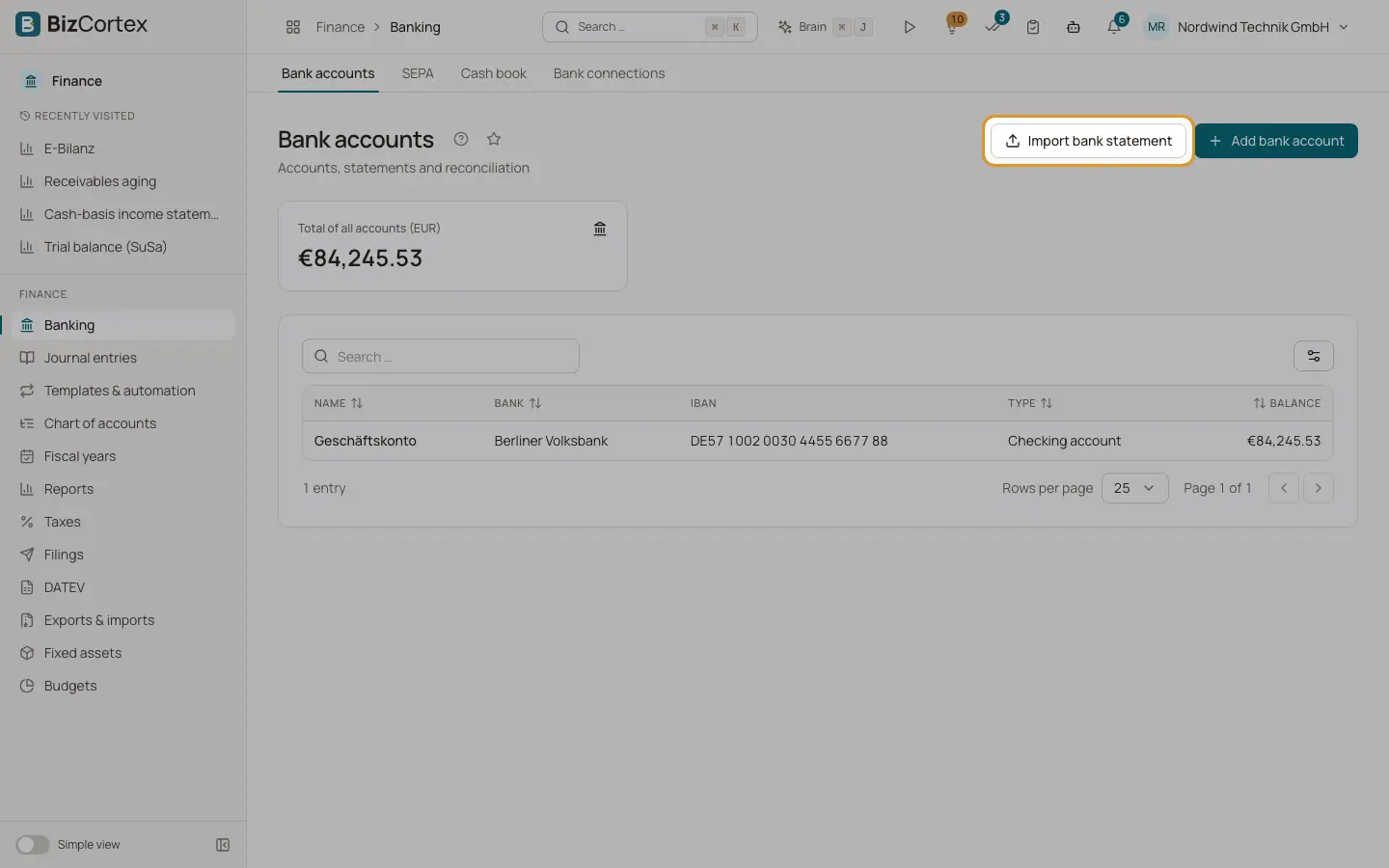
Click "Import bank statement" on the Bank accounts list or on a bank account page.
2. Choose the file
Drop a file on the area "Drop a file here or select one", or click it to select a file. Accepted file endings are .csv, .txt, .sta, .mt940, .xml and .ofx. You can also paste the statement text into the box "or paste the content" and click "Next".
3. Check format, account and profile
In step two, choose the "Bank account". The "Format" field is filled in for you, and a hint below it shows "Detected: ..." with the detected format. You can change it. For CSV files you can choose an "Import profile (CSV)" or keep "Automatic column detection".
4. Check the preview
For CSV, a table preview shows the first rows split into columns. For the other formats the start of the raw file is shown. Click "Back" to choose another file.
5. Import
Click "Import". When the import is done, three cards show how many lines were "Imported", how many were "Matched automatically" by your rules, and how many "Duplicates skipped".
Fields and options
- Bank account
The account the lines are added to. Required.
- Format
CSV, MT940, CAMT.053 (XML) or OFX. Detected from the file content and name.
- Import profile (CSV)
Only for CSV. A saved column mapping for your bank. Without a profile, BizCortex guesses the columns.
Tips
- You can import overlapping periods without worry. Every line gets a fingerprint from account, date, amount and purpose (or the end to end reference). A line with the same fingerprint is skipped as a duplicate.
- Two genuinely identical payments on the same day in the same file are both kept, because the import counts how often a line appears in the file.
- After every import, the balance of the bank account is increased or decreased by the sum of the new lines, and all active matching rules run on the new lines.
Good to know
- QIF files are not supported. The import accepts CSV, MT940, CAMT and OFX only.
- Every import is written to the audit log with the format, the number of lines, the duplicates and the total amount.
Related
- Supported statement formats
Details for each import format: CSV with automatic columns, CSV with a profile, MT940, CAMT.052, CAMT.053, CAMT.054 and OFX.
- CSV import profiles
Save the column layout of your bank CSV files so every CSV import is read correctly.
- Matching rules
Rules categorise recurring bank lines and can post them to a counter account automatically.
- Reconciling bank transactions
Match each bank line with an invoice, a bill, a journal entry or an account, using scored suggestions.