Currency converter
Convert an amount between two currencies with the stored rates.
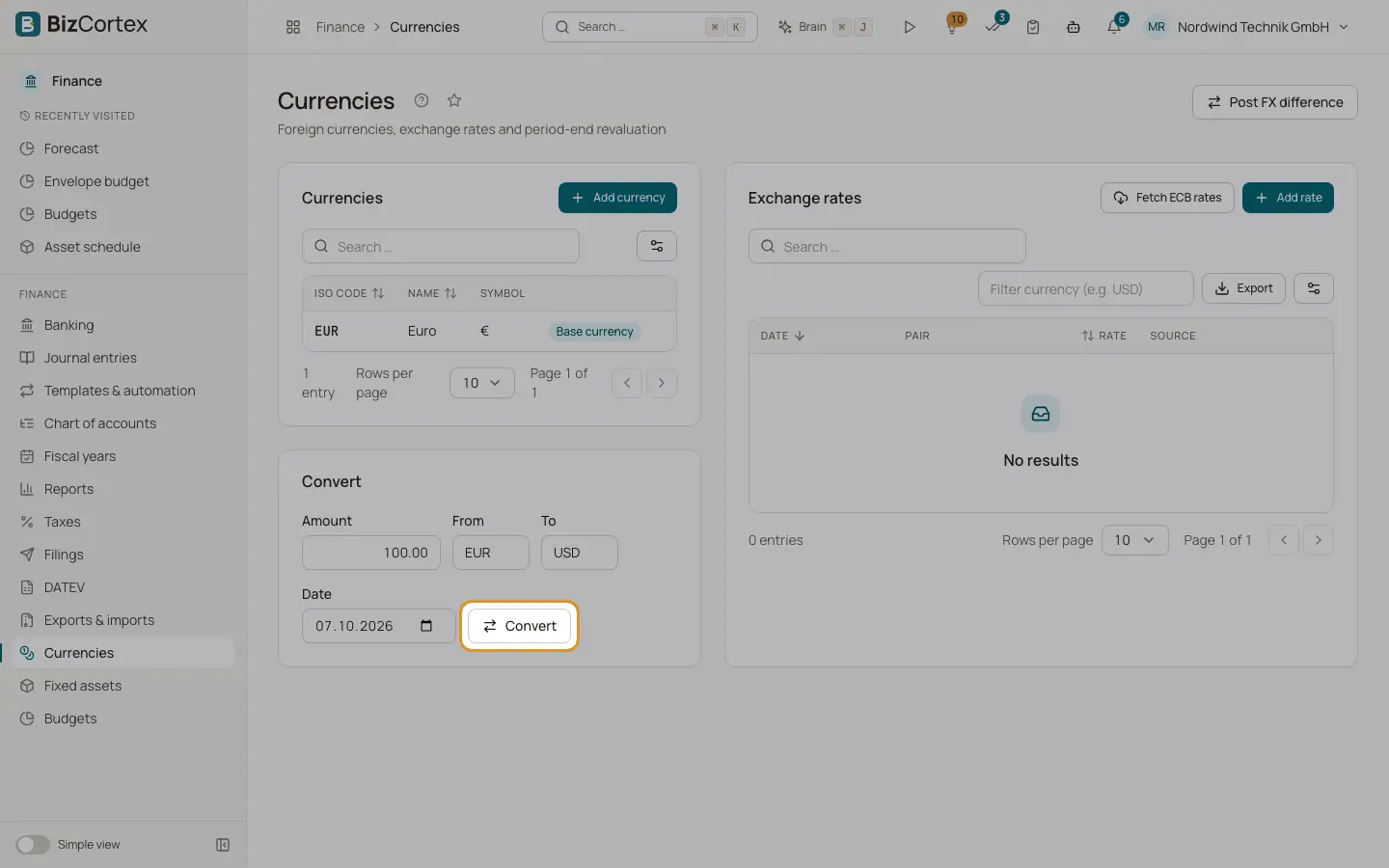
The Convert card on the Currencies page converts any amount with the rates stored in BizCortex.
Who can use this
- Owner
- Admin
- Accountant
- Sales
- Purchase
- Viewer
Steps
1. Enter the values
Enter the Amount, From, To and the Date.
2. Convert
Click Convert. The result shows the converted amount and the rate used with its date.
Good to know
- If no rate exists on or before the date, an error is shown. Fetch the ECB rates or add a rate first.
Related
- Currencies and exchange rates
Maintain foreign currencies and their exchange rates, manually or from the European Central Bank.